
Photo by Bonus Action
The colors are a saturated, magical painting here in Seattle, and just in time for Photography month. This May, I’ve been interacting with my photography a little differently, and it’s all thanks to the Wacom MovinkPad Pro 14.
One of the biggest hurdles when grabbing photos as a journalist is quickly and efficiently editing them. While my iPhone does a great job for the initial photography, adjustments to lighting, saturation, and cropping are still a requirement.
I use the Wacom MovinkPad Pro 14 for two main types of editing. The first is work. I take hundreds of pictures throughout the year at events or for reviews. Each of these images needs to be fixed up before I use them in a written piece like this one. The other is more experimental, and plays directly to the artistic strengths of the MovinkPad Pro – I live to paint over the top of images I take while exploring the Pacific Northwest.
A Full Editing Studio on the Go
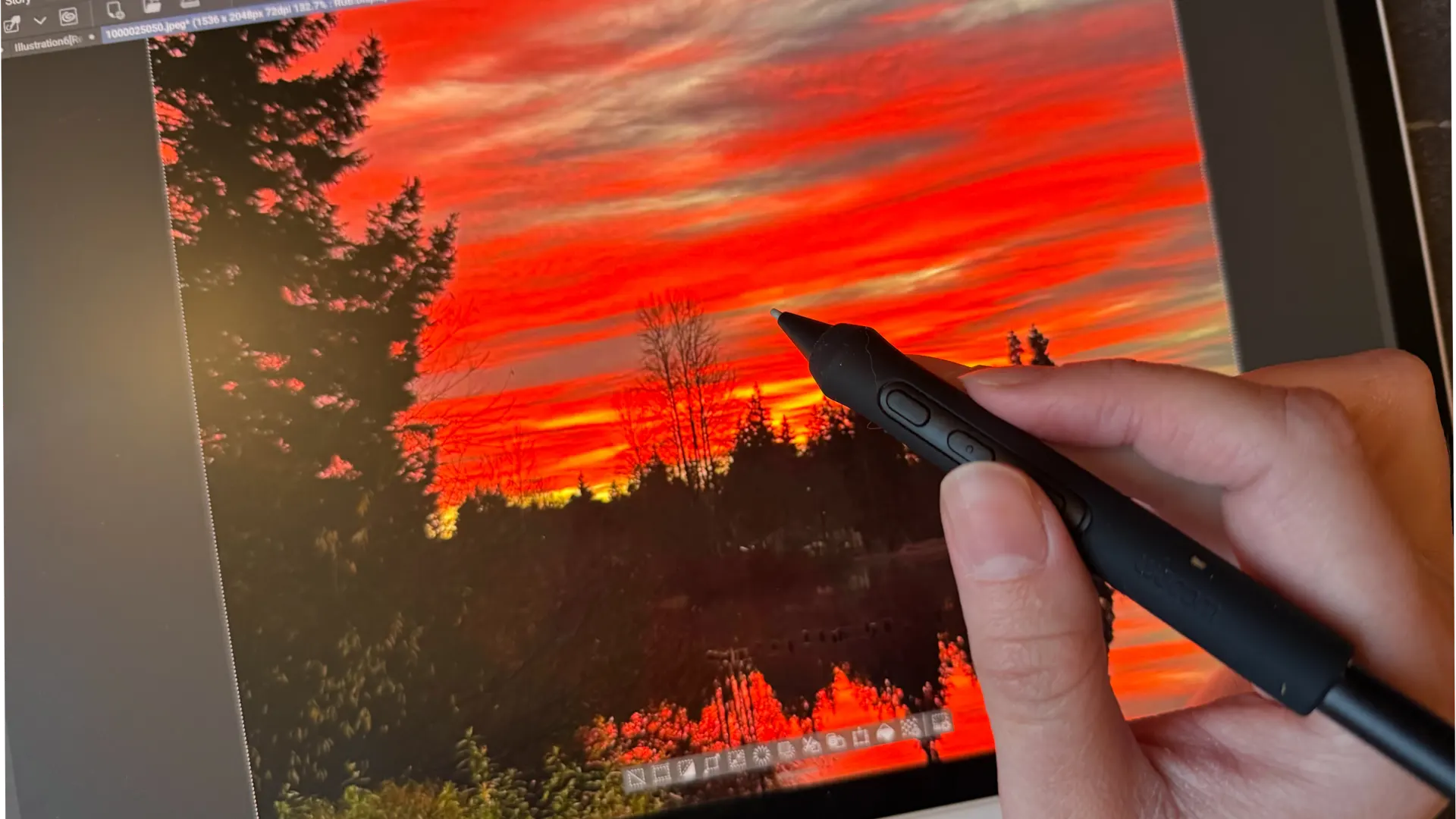
If you are a journalist or someone who travels frequently to events where you need to take pictures, the MovinkPad Pro 14 is an immediate game-changer. Before I started packing the MovinkPad Pro with me everywhere, any deep image edits I needed to make would have to be done on my bulky laptop unless I wanted to wait until I got home to work them out on my desktop.
I don’t need to worry about that now, as I can drop any image I take at an event into Clip Studio Paint or Adobe and get to work, adjusting lighting or trimming to get the exact right focus for the photo. I specifically love editing on the MovinkPad Pro because of the stylus. The accuracy and ease of use when selecting areas, blurring out or removing artifacts, or adjusting angles are more intuitive than any mouse.
I have also done some photo editing on the iPad, and the MovinkPad Pro is a superior choice. The stylus is more accurate and has better tracking.
I love having the ability to edit anything I need immediately, and with the same quality I would be able to achieve while using my full arsenal of tools in the office.
A Combination Only the MovinkPad Pro Can Achieve
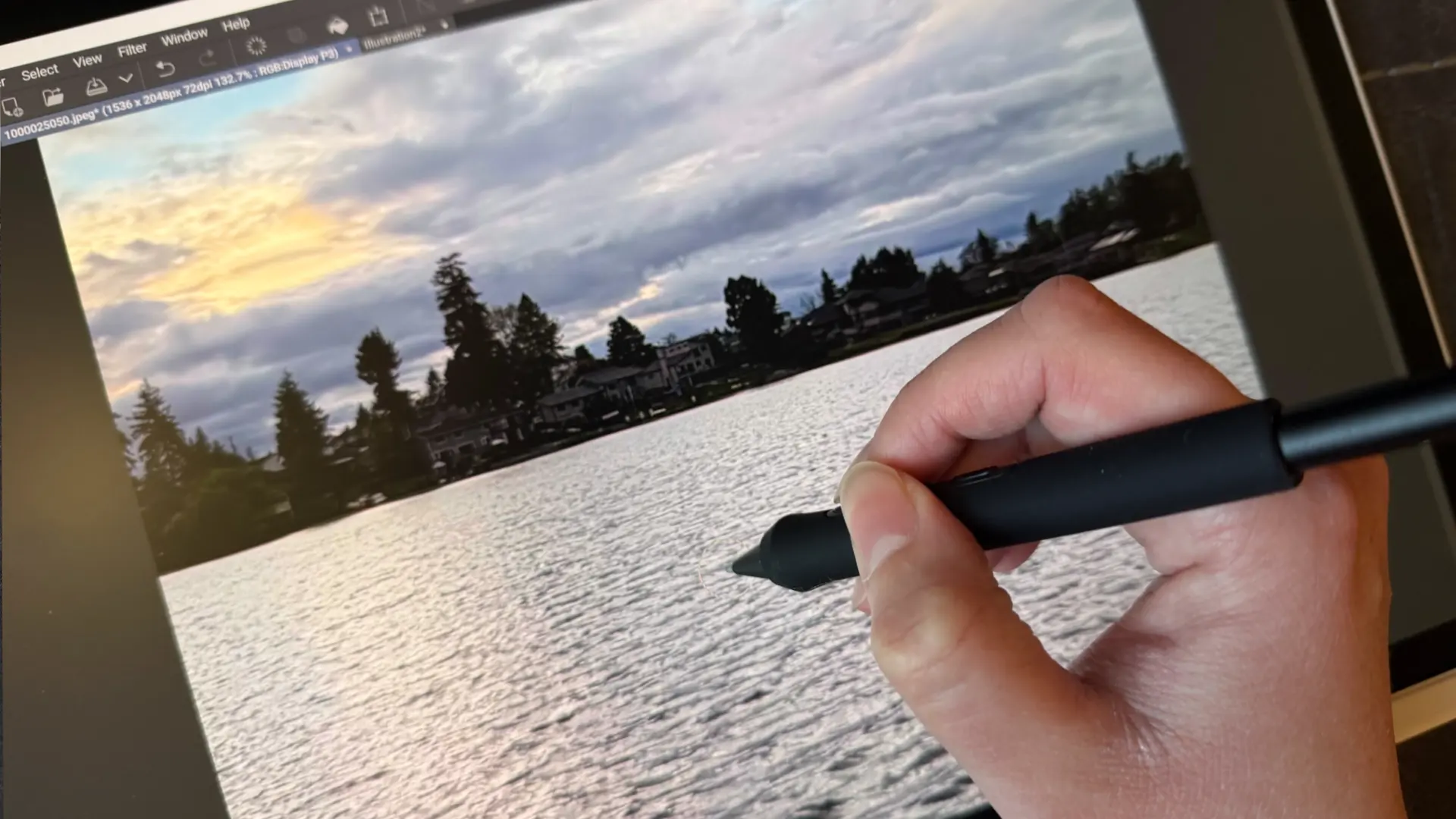
In addition to the photos I take for work at press events or special, in-person opportunities, I also use the MovinkPad Pro for a special type of photo alteration. If any other artists out there get caught up in the beauty of nature, I urge you to give this a try during the rest of May.
One of my favorite things to do when I am out exploring is snap photos that I can then move to the MovinkPad Pro to use for painting. Because the OLED screen is so vibrant, it preserves the depth of the photo colors, allowing me to create palettes I can use for painting new pieces.

I also love drawing directly on top of these photos, using the colors I pull from the images with the dropper tool to create whimsical collages. The blend of crisp, realistic photography and magical illustration crafts a piece that is unique in its mixed media. It is also a wonderful way to practice color theory while exploring the outdoors.
Photography month is a great time to get out, try new things, and see new places. The MovinkPad Pro 14 has been my companion this year as I navigate new spaces and capture moments that I am keen to preserve. Whether working to curate images for work or blend illustration with portraits, I can’t think of a better tool to have on hand.
About the Author

Discover more from Bonus Action
Subscribe to get the latest posts sent to your email.