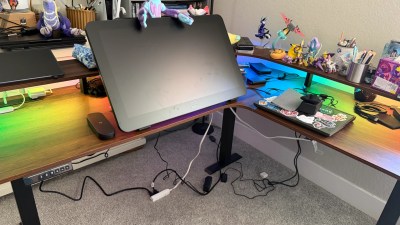

Photo by Bonus Action
There are many different all-in-one drawing tablets now available for artists to pick from. However, to be completely cable-free, the devices don’t typically run at the quality or speed of connected drawing monitors, making them more of an on-the-go sketchpad and less of a proper work station. However, Wacom has revolutionized one of my least favorite tablets into one of the best Pro options currently on the market with the MovinkPad Pro 14.
My personal go-to all-in-one tablet for the past year and a half has been the XPPen Magic Drawing Pad. It is compact, sturdy, and has a fantastic stylus. However, it is not a complete workstation. I typically bring sketches from my Magic Drawing Pad to the Artist Ultra 16 when I am ready to complete them.
Because of this, I was skeptical when Wacom dropped the MovinkPad line. I wasn’t a fan of the original Movink. For the price, its size, and the need to be tethered to a PC felt disproportionate. Earlier this year, the MovinkPad 11 was released, boasting the Wacom Pro Pen 3, decent resolution, and an affordable price for a pull-away tablet. But it was held back from Pro status by its 8GB of RAM and small size.
However, my opinion on the MovinkPad line has been radically redirected after spending time on the MovinkPad Pro 14. This incredible tablet is professional-level, offering everything artists need in a portable, all-in-one design. It’s not cheap, but if you draw professionally, get ready to hold onto your hat.
Key Details
- Developer: Wacom
- Price: $899.95
- Operating System: Android 15
- Screen Resolution: 1880 x 1800
- OLED: Yes
- Pen Pressure Levels: 8192
- Stylus: Wacom Pro Pen 3
- Ram: 12 GB
- Storage: 256GB
- Unit Provided For Review: Yes, on loan
A Stylus That Paints Like a Hot Knife Through Butter
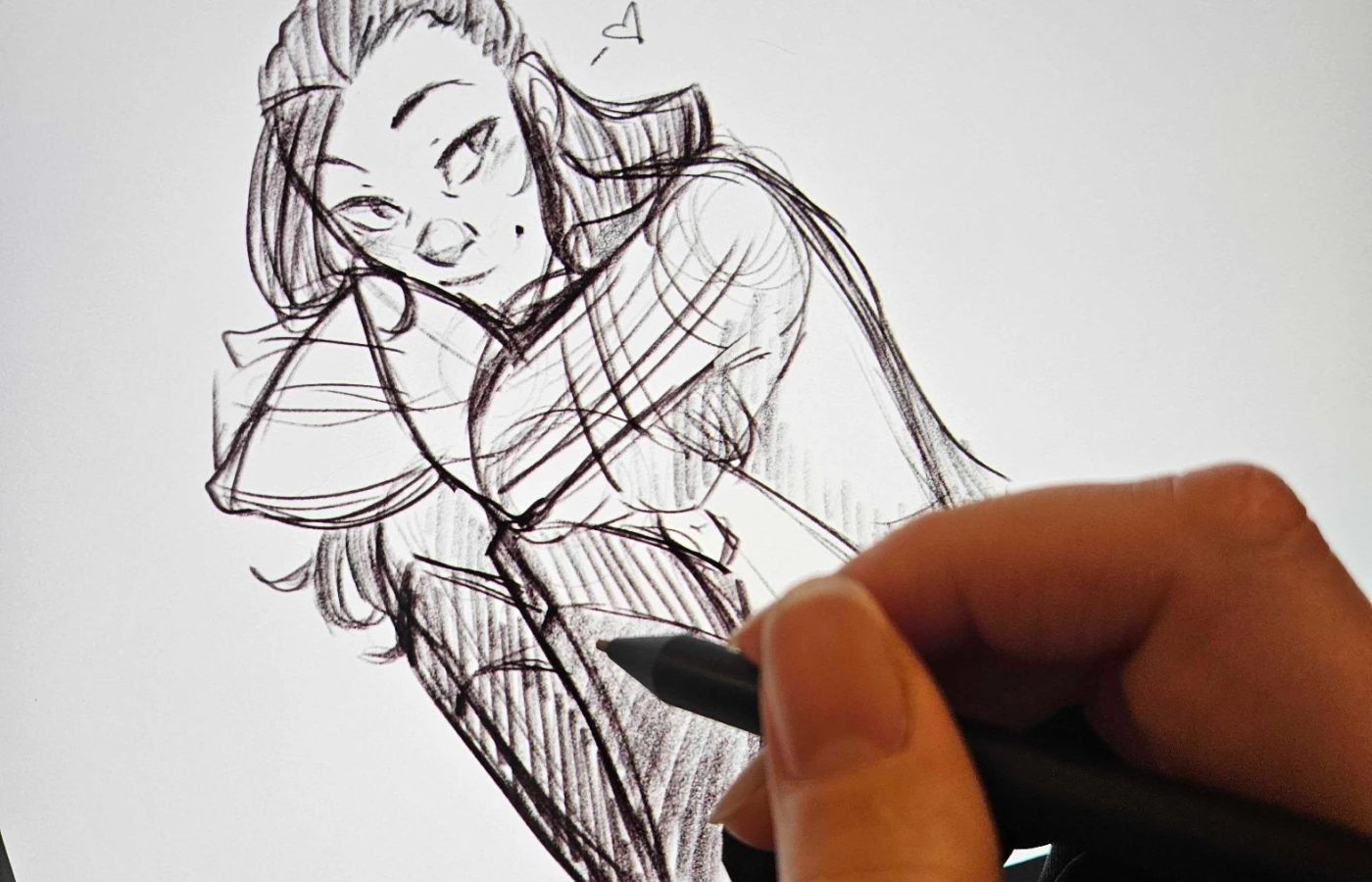
Drawing on the MovinkPad Pro 14 is a bizarre, wonderful experience. The clarity of the screen, responsiveness of the device, and crispness of the image create a sensation that is entirely unique to this tablet. Most all-in-one tablets operate with 8 GB of RAM, and the drain of the Android operating system can be felt. Too many open applications can lead to crashing, stuttering, or lagging when drawing. But not with the MovinkPad Pro 14. The 12 GB boost makes everything run seamlessly, and the lack of lag allows the stylus to be perfectly responsive.
While sketching, I kept marveling at how immediate the response was, and how intuitive and accurate each line appeared. I have always struggled with sketching digitally, often opting to do my base renders on paper and then scan them in for digital painting after. With this tablet, I didn’t feel the stretching, pulling discomfort of trying to sketch on a screen. It felt like paper. Only the Magic Drawing Pad has achieved that, and this screen is a bit bigger, adding to the intuitive and enjoyable act of simply laying down lines.
The crisp resolution and OLED screen partner together in a way that is unbeatable. Stunning colors complement delightful details, making it as wonderful as drawing on a 24-inch wired monitor. The only thing I miss is my hotkeys. Wacom’s removal of hotkeys will haunt me until the end of my drawing days. I miss having those little buttons down the side of the tablet.
Minimalism Continues

Wacom is definitely in its minimalism era, and the MovinkPad Pro 14 feels it. Like with other recent tablets we have reviewed from this developer, when opening the box for the all-in-one tablet, artists will find nothing but the tablet, the Wacom MovinkPad Pro 14, a charging cable, and a few spare nibs.
While this tablet doesn’t need a Bluetooth remote thanks to its multi-touch functions, it is frustrating that a case or any type of pen storage hasn’t been included. To protect the tablet, artists will need to spend an additional $60 to get the Wacom MovinkPad Pro 14 cover. Due to it being a drawing tablet, this is the only cover that will properly fit the tablet and securely protect it. Without the cover, the stylus is free-floating, and the screen is at constant risk of damage.
With “Pro” level products, the inclusion of these types of accessories should be standard. Most other brands include covers with the purchase of all-in-one drawing tablets that aren’t considered “pro”. It would be very nice if Wacom began including these basic protections for the device as well. The penny-and-dime accessory charges are not creating a friendly space for artists on budgets.
For those who don’t grab a case, be sure to purchase a Chromebook sleeve to store the tablet in when it is not being used, as the screen is at risk of being scratched without it.
The MovinkPad Pro 14 Will Change Your Workflow for the Better
Despite the struggles with accessories and limited additional items included at the high price tag, the MovinkPad Pro 14 will change workflows for the better. This tablet is groundbreaking for any artist of any skill level, but it will specifically benefit professionals who travel to events, art shows, or conventions.
Artists can work anywhere in real time, with the precision and color quality of an at-home studio. The MovinkPad Pro 14’s battery life is excellent, and artists can plan to spend hours drawing wherever they happen to pull the tablet out.
From sitting on the sofa for a lazy night of doodles to working on projects in real time at physical locations, those who grab this tablet will never feel the frustration that can come with limitations found in iPads and other Samsung/Android tablets. It’s an amazing, professional-level tool every full-time artist deserves to experience.
Final Score 9.5/10
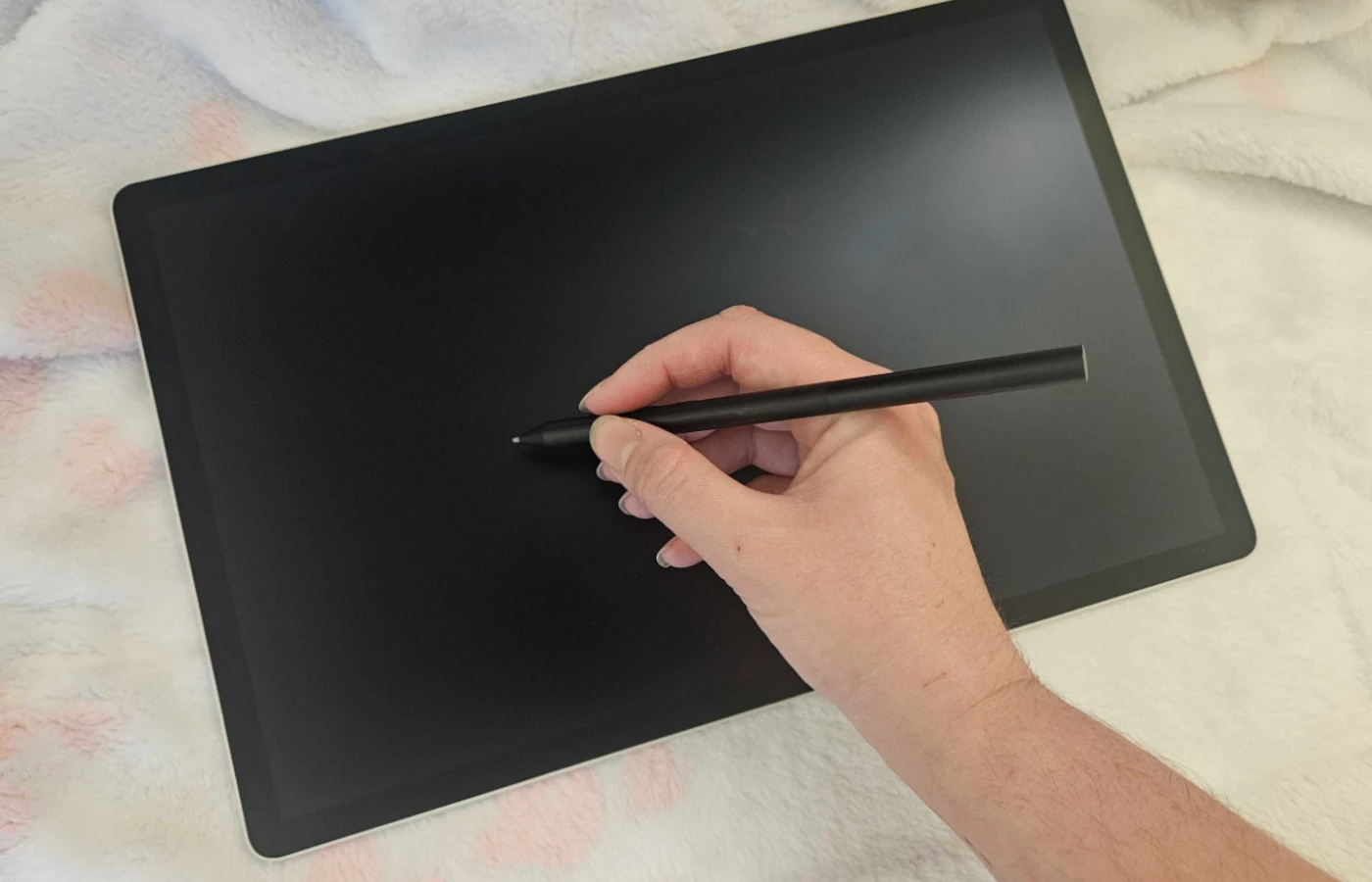
The Wacom MovinkPad Pro 14 is an amazing device. It is the only all-in-one on the market that can truly be considered a professional-level option. The price is shockingly reasonable, considering the original Movink was roughly the same price with a smaller build and no all-in-one capabilities.
Younger artists will want to check out the MovinkPad 11 for a slightly reduced price range, but full-time artists should splurge on the Pro and enjoy the enhanced performance, beautiful resolution, and deliciously large tablet screen. Drawing on this tablet is brilliant, and revolutionizing workflow is just a happy bonus alongside buttery smooth illustrative work.
**Bonus Action was provided a loaned unit of the MovinkPad Pro 14 for the purpose of this review**
About the Author

Discover more from Bonus Action
Subscribe to get the latest posts sent to your email.