Spirit City: Lofi Sessions Spirit Guide – How to Find All New Magical Library DLC Spirits & Variants
A new Magical Library full of Spirits awaits.
Amanda Kay Oaks
Published: August 24, 2026 | Updated: September 1, 2026
Screenshot by Bonus Action
At long last, the latest expansion for Spirit City: Lofi Sessionshas arrived! Released on August 24th, 2026, the Magical Library DLC adds a new arcane library setup for your avatar to explore. Naturally, it also adds new Spirits and Variants to track down, along with fun new avatar items, sounds, and decor.
In total, the Magical Library expansion adds 13 new Spirits to Spirit City: Lofi Sessions. As always, I jumped at the chance to meet all the new critters as soon as possible. Now, I’m passing my knowledge on to you in our latest Spirit Guide. Here’s how to find every new Spirit from the Magical Library DLC.
The Magical Library DLC is a paid expansion for Spirit City: Lofi Sessions. The DLC costs $7.99 and requires the base game to play. It adds a new Library area to your game, plus 13 new Spirits, new decor, and new avatar items. It is the 4th major paid DLC expansion for Spirit City and is available as of August 24th, 2026.
As of now, Spirit City and its DLC are only available on PC.
How To Tell If You’re on the Right Track to Meet a New Spirit in Spirit City: Lofi Sessions
Screenshot by Bonus Action
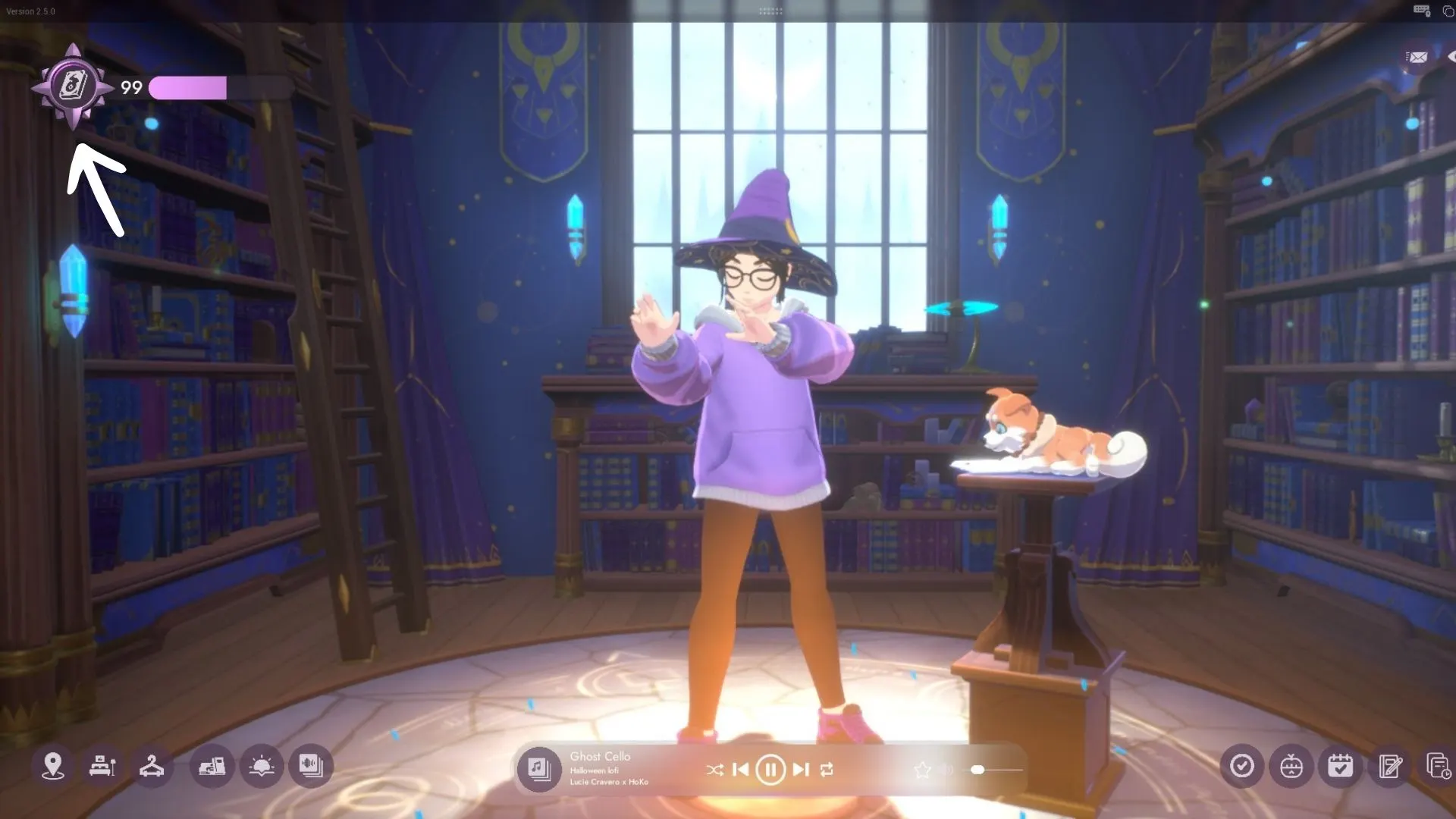
If you want to lure all the new Spirits, you’ll need to know when you’re on the right track. In Spirit City, the Spiritdex icon will start to glow when you have everything set up to correctly lure a Spirit. Sometimes, it can take a while for the Spirit to actually appear. But if you have that glowing ring around the Spiritdex icon, rest assured you’ve got the right setup to meet that new critter eventually.
How to Get to the Library in Spirit City
Screenshot by Bonus Action
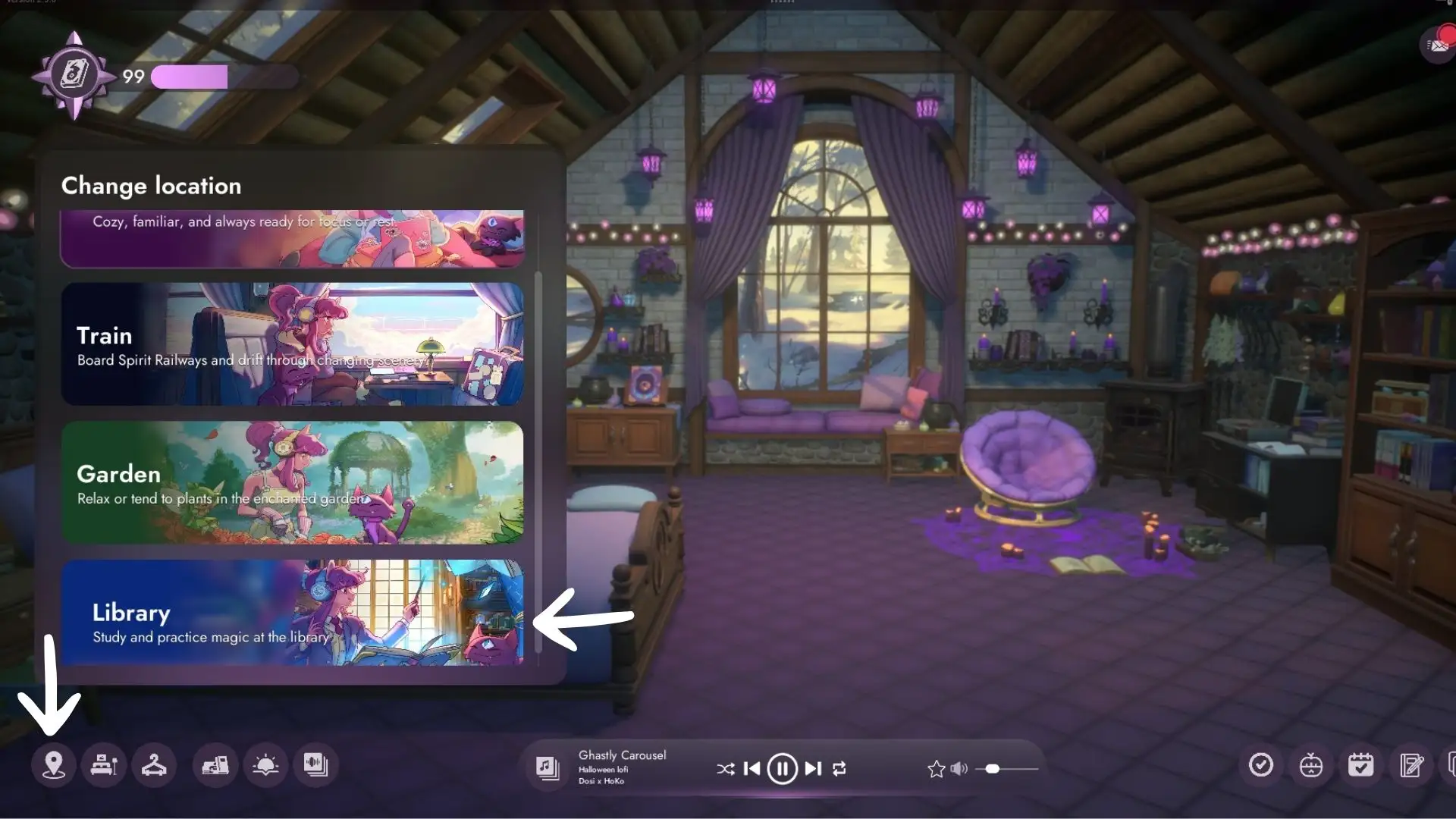
Like prior Spirit City DLC, the Magical Library expansion adds a new area you’ll need to visit to collect all the new Spirits. To go to the new Library, click on the Locations tab at the bottom left-hand corner of your screen. Then, select the Library from the available list of locations. From there, you will be able to explore the new area and lure any location-specific Spirits out of hiding.
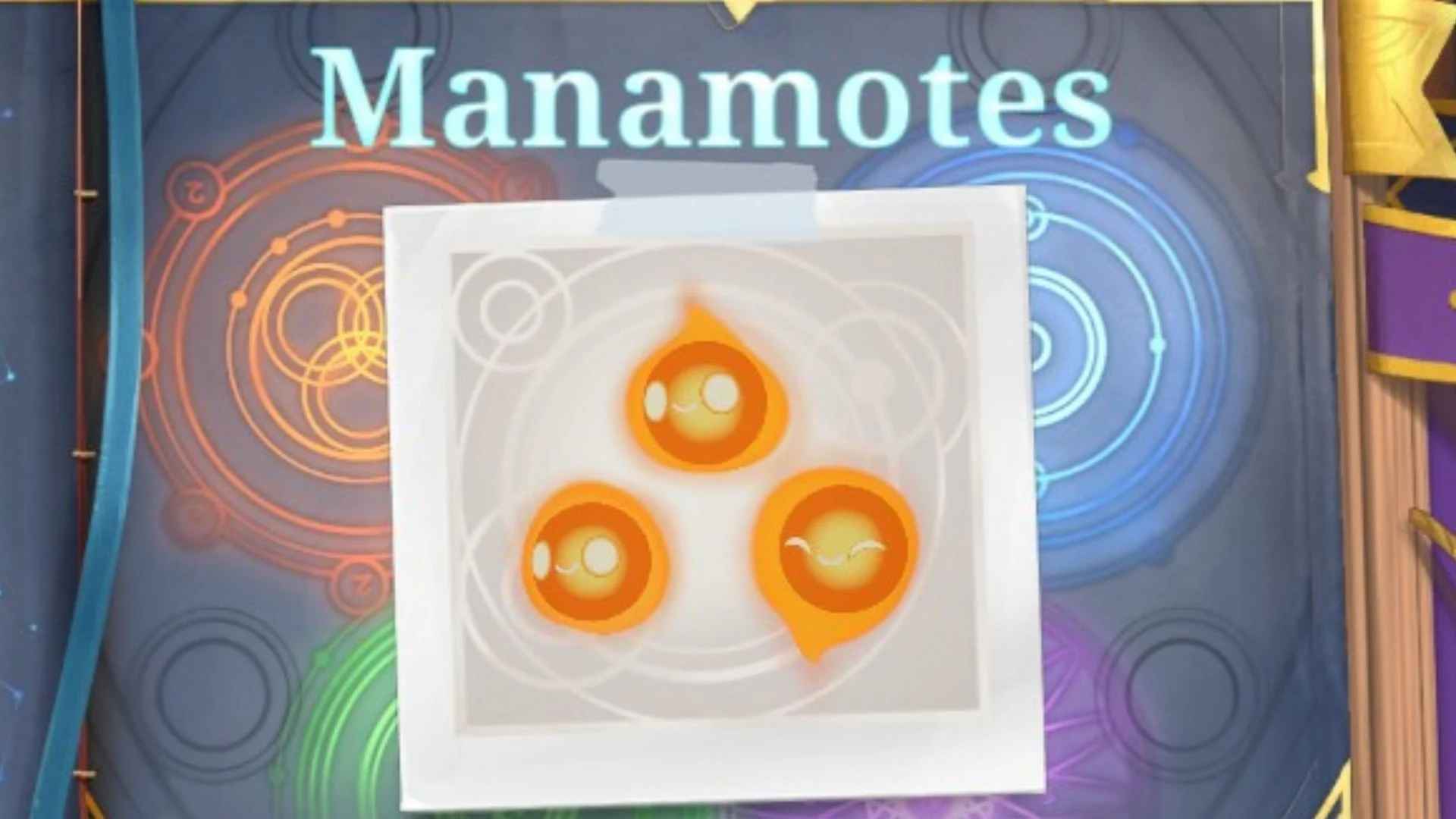
Manamotes
Screenshot by Bonus Action
Spiritdex Hint
What It Means
I’m finally starting to get the hang of shaping the elements…
In the Library, set Activity to Arcana: Magic
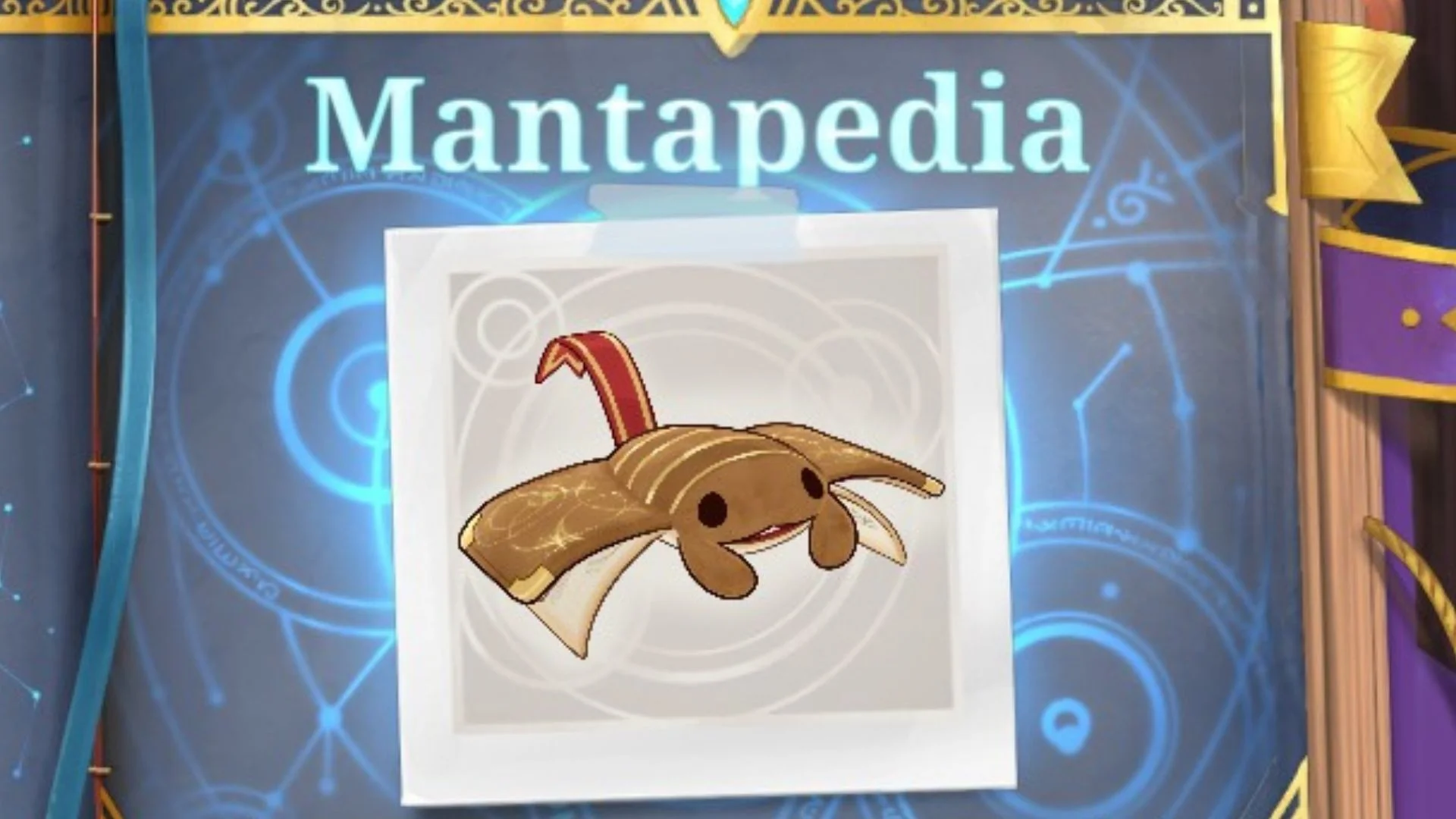
Mantapedia
Screenshot by Bonus Action
Spiritdex Hint
What It Means
There’s something especially cozy about spending a rainy morning…
Set Lighting to Morning
Turn on “Smooth Rain” in the sounds menu
…browsing the shelves in my little reading nook
Set Activity to “Browsing” in the Nook area of the Library
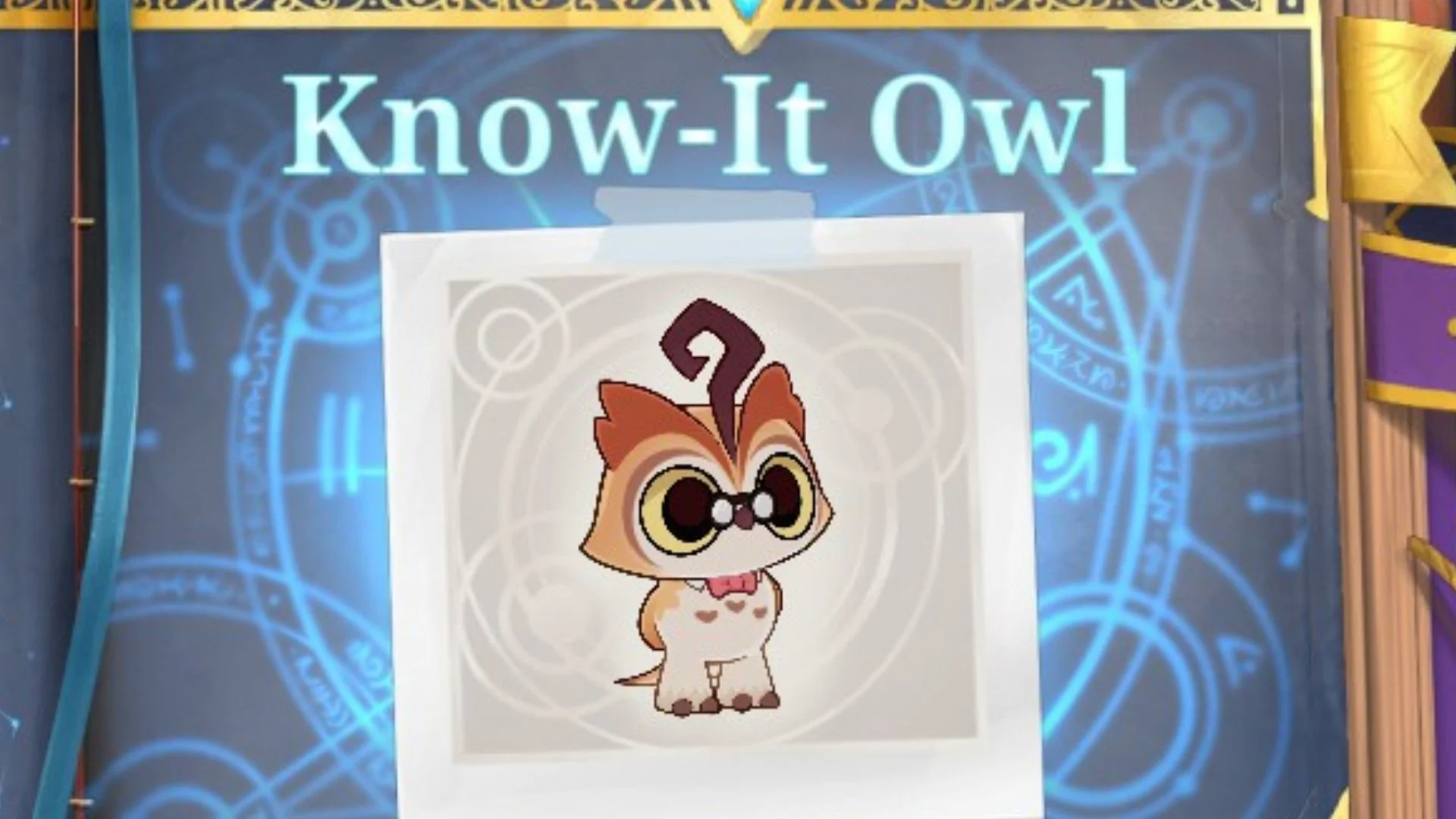
Know-It Owl
Screenshot by Bonus Action
Spiritdex Hint
What It Means
I really need to catch up on my notes…
Set activity to “Studying” in the Study area
I’ll make sure to do it before the sun goes down
Set Lighting to “Evening”
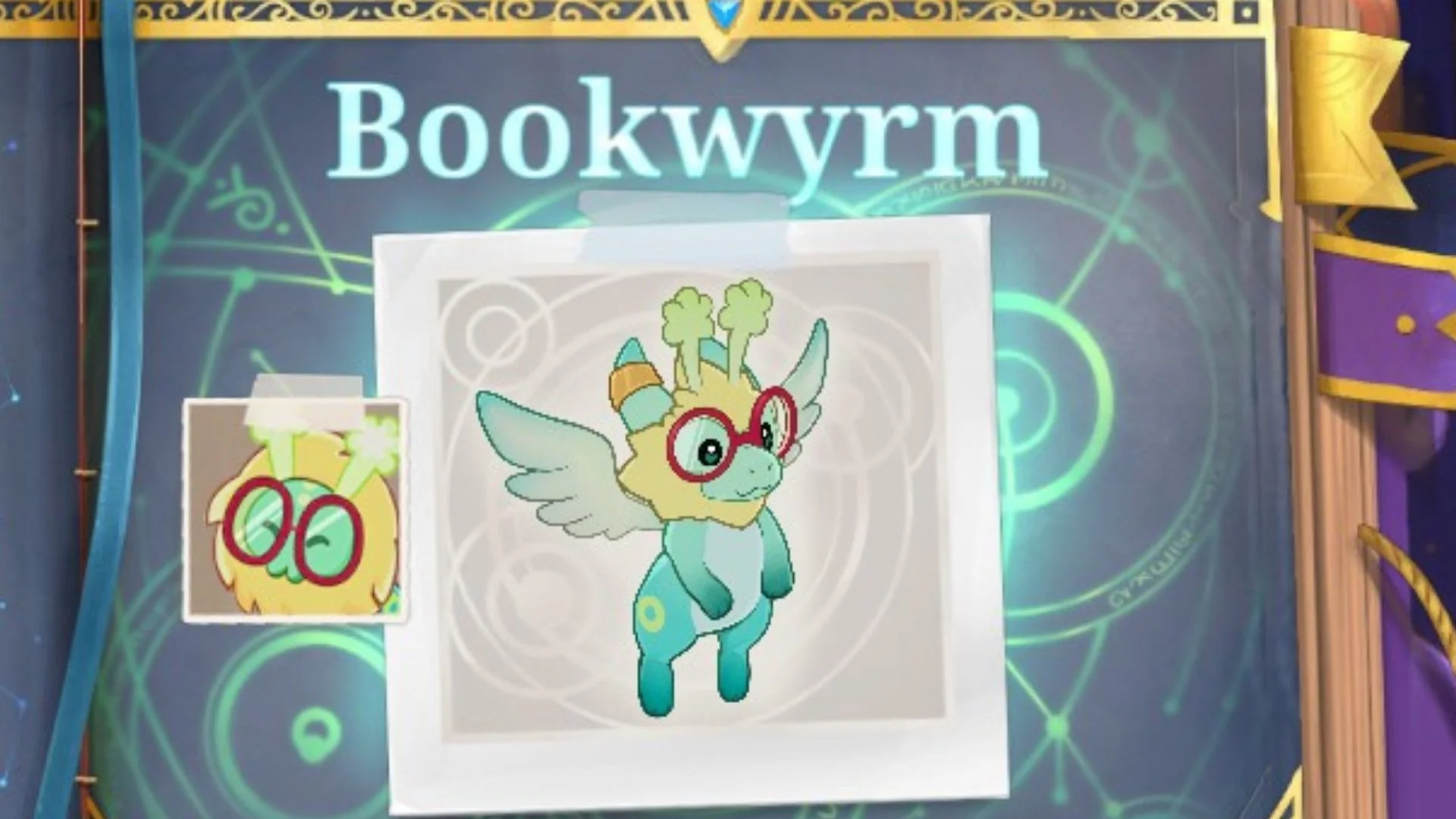
Bookwyrm (Chapterpillar Variant)
Screenshot by Bonus Action
Spiritdex Hint
What It Means
Chapterpillar has been unusually absorbed…
In the Wardrobe menu, set your companion to Chapterpillar
… in our late-night reading sessions
Set Lighting to “Night” and set Activity to Reading in the Fireplace area
Lately I’ve noticed it curling up in its favorite chair for longer than usual
Indicates you need to read in the Fireplace section of the Library, rather than other locations
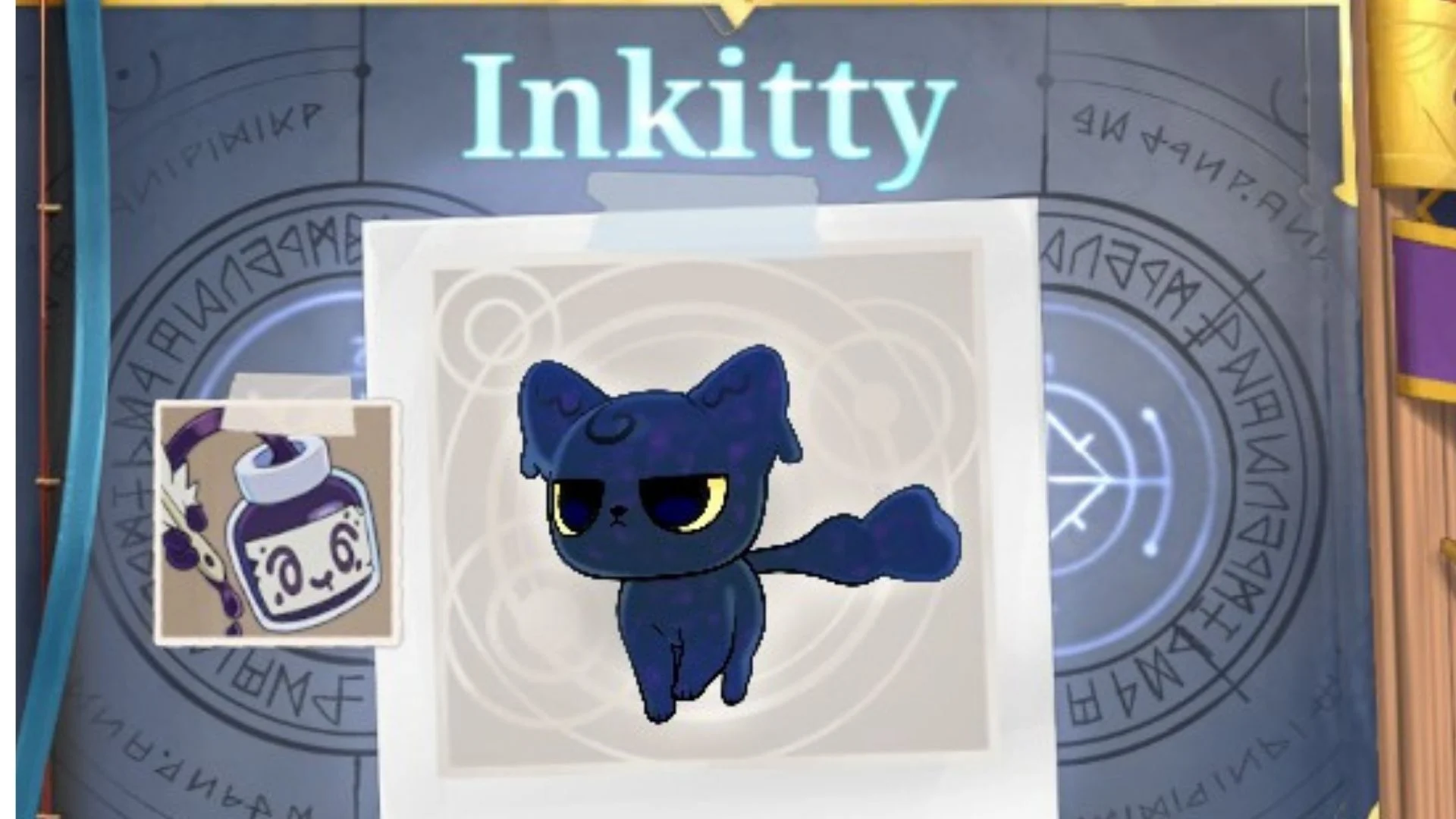
Inkitty (Inkster Variant)
Screenshot by Bonus Action
Spiritdex Hint
What It Means
Inkster has been very helpful…
In the Wardrobe menu, set your companion to Inkster
…as I practice writing with a quill
Set your Activity to writing in the Study (this is where your avatar will use a quill)
I don’t remember it ever making purring sounds
In the Sounds menu, turn on “Comforting purring”
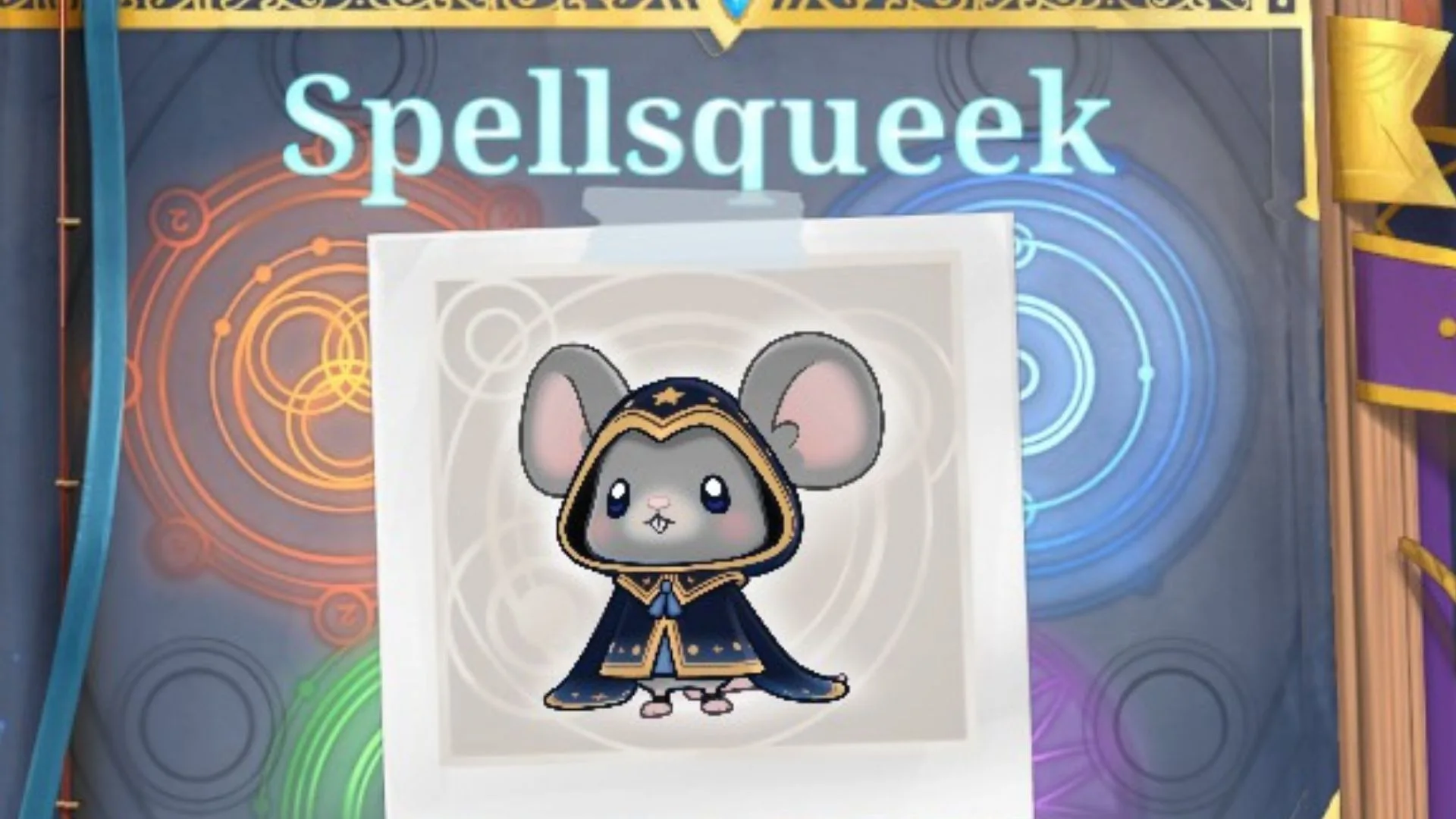
Spellsqueek
Screenshot by Bonus Action
Spiritdex Hint
What It Means
I’ve been practicing my magic…
Set Activity to “Spellcasting” in the Arcana area
…before classes begin
Set Lighting to Morning
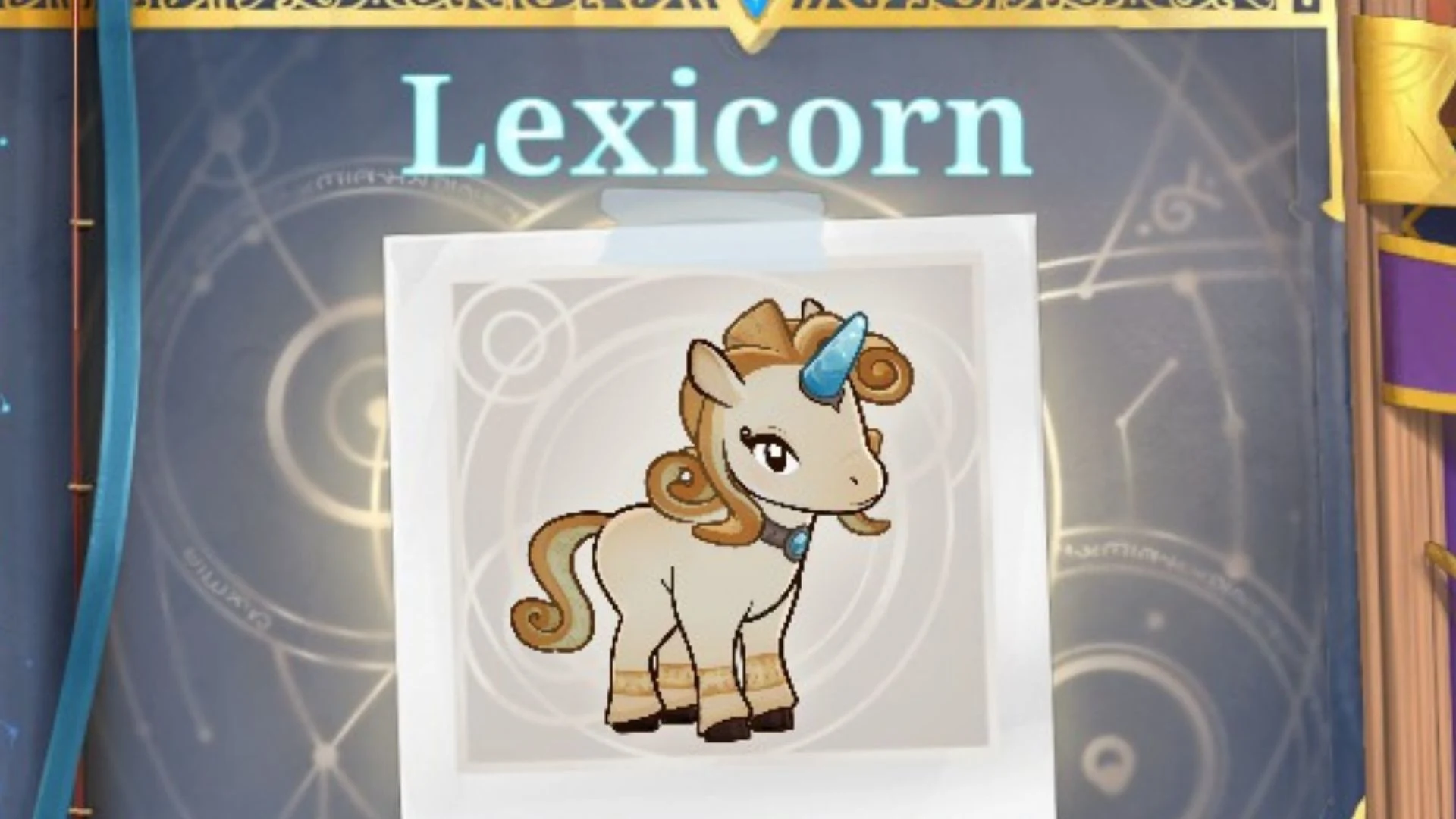
Lexicorn
Screenshot by Bonus Action
Spiritdex Hint
What It Means
There’s something satisfying about hearing each key strike the page on this retro machine…
Set Activity to “Typewriting” in the Study of the Magical Library
As the afternoon sun streamed through the window…
Set Lighting to Afternoon
I could have sworn the rhythmic clacking had begun to sound like the distant gallop of hooves
Turn on “Clicky Typewriter” in the Sounds Menu
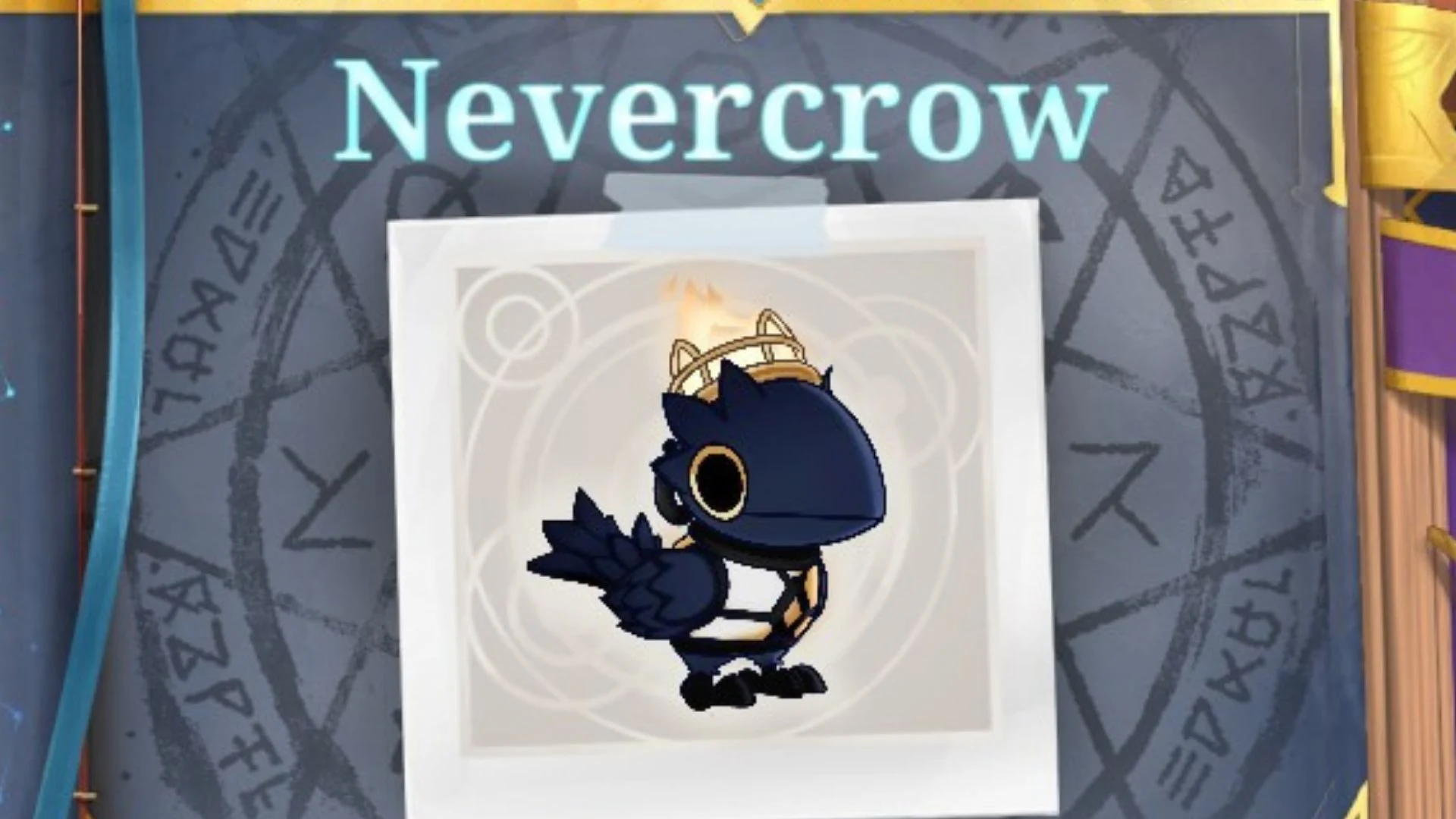
Nevercrow
Screenshot by Bonus Action
Spiritdex Hint
What It Means
It’s too easy to doze off by the crackling fire…
Set Activity to “relaxing” in the Fireplace area of the Magical library.
Turn on “Cozy Fireplace” in the Sounds menu.
After finishing a good book at night
Set Lighting to Night
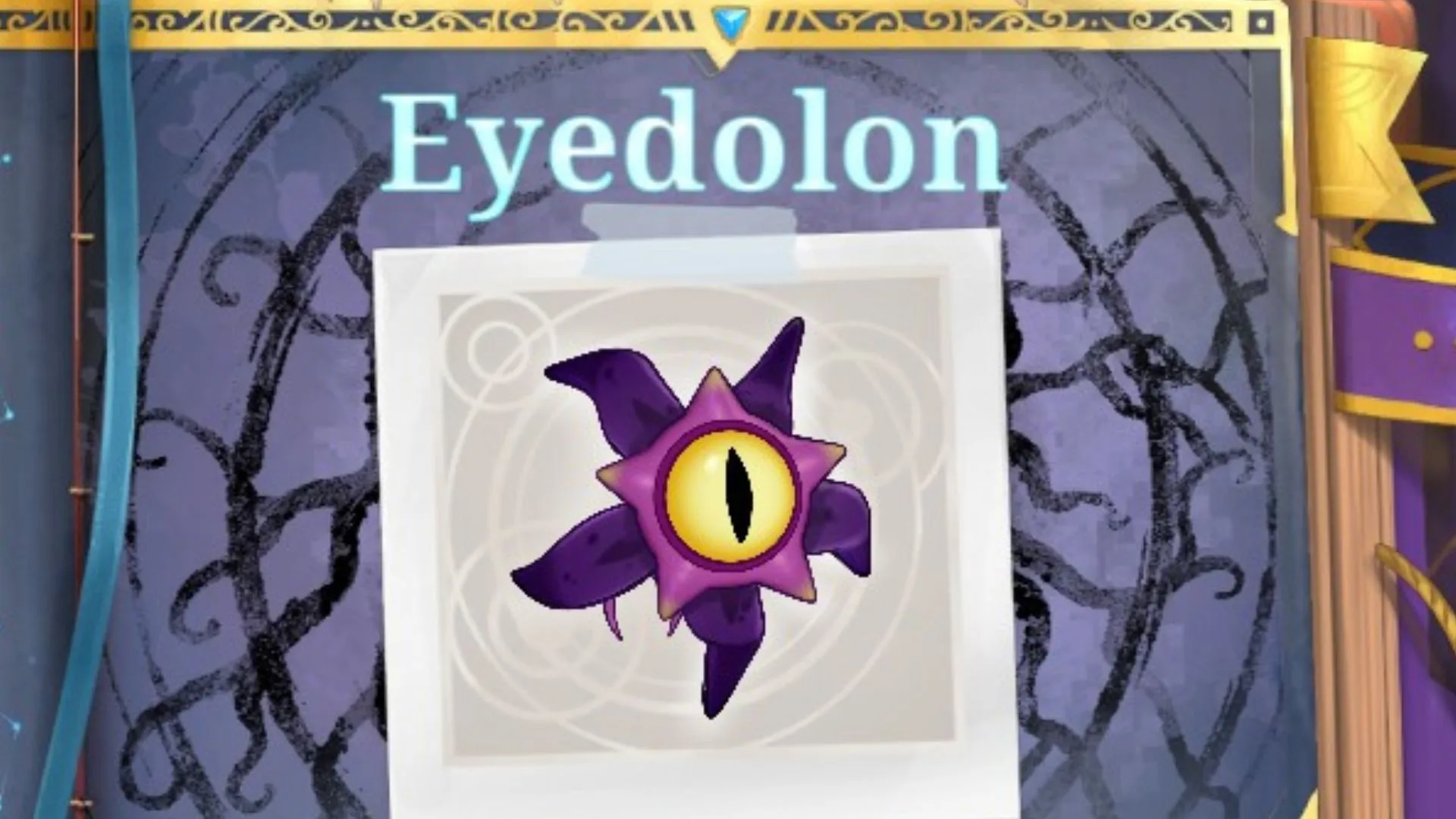
Eyedolon
Screenshot by Bonus Action
Spiritdex Hint
What It Means
I thought this evening would be the perfect time…
Set Lighting to Evening
… to practice a summoning ritual
Set Activity to “Summoning” in the Arcana area of the Magical Library
I could have sworn I heard the distant sounds of the deep sea
Turn on “Deep Sea Echoes” in the Sounds menu
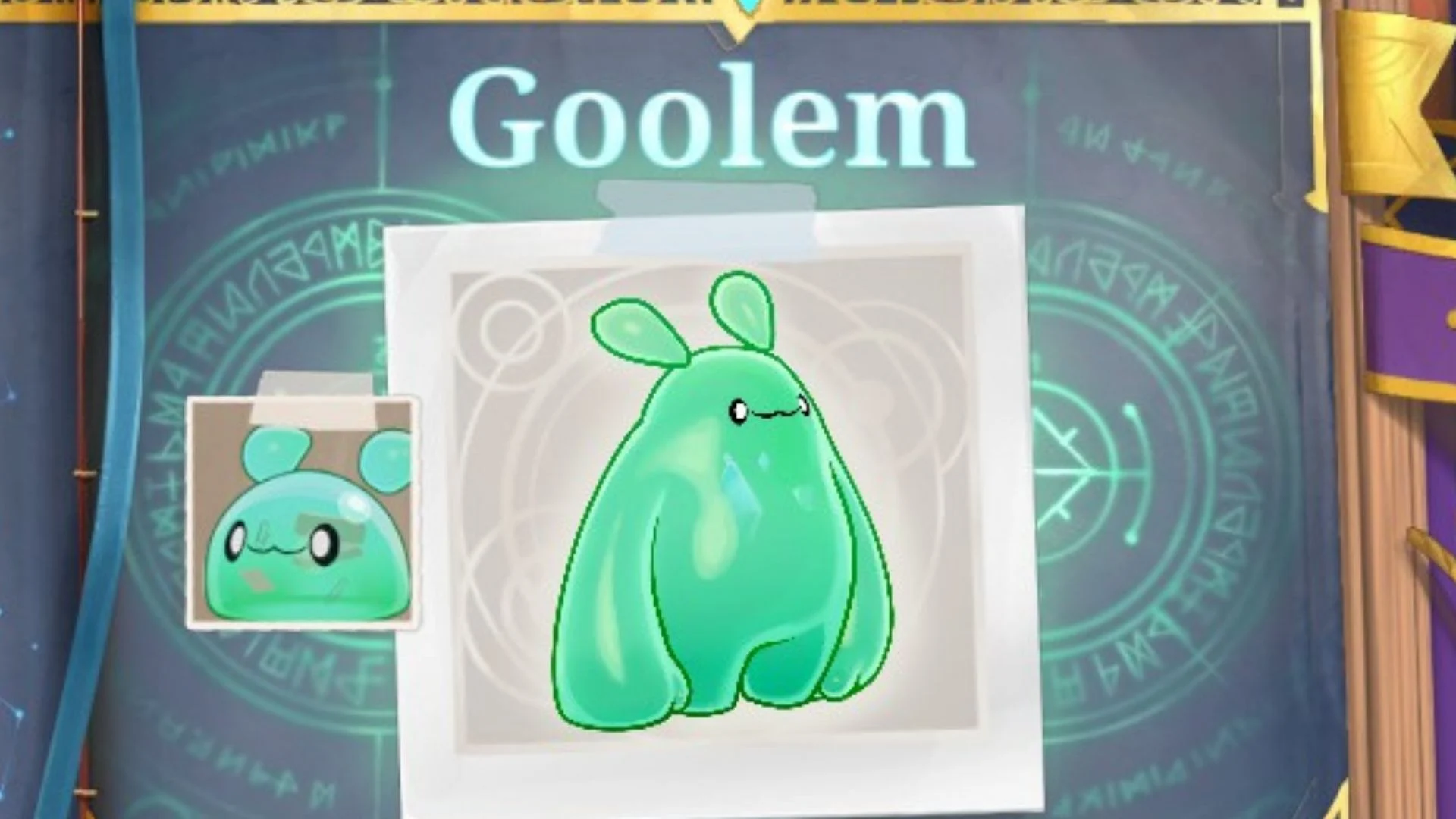
Goolem (Goopi Variant)
Screenshot by Bonus Action
Spiritdex Hint
What It Means
I’ve noticed Goopi watching me…
From the Wardrobe menu, set Goopi as your companion
…whenever I’m sorting herbs and filling little potion bottles
Set Activity to “Experiment” in the Study area of the Magical Library
Witchwick (Vootodoo Variant)
Screenshot by Bonus Action
Spiritdex Hint
What It Means
Vootodoo has become fascinated with my cauldron
From the Wardrobe menu, set Vootodoo as your companion
… whenever I practice witchcraft
Set Activity to “Brewing” in the Arcana area of the Magical Library
I wonder why the bubbling of the brew seems to hold its attention…
Turn on “Tasty Bubbling” in the Sounds menu
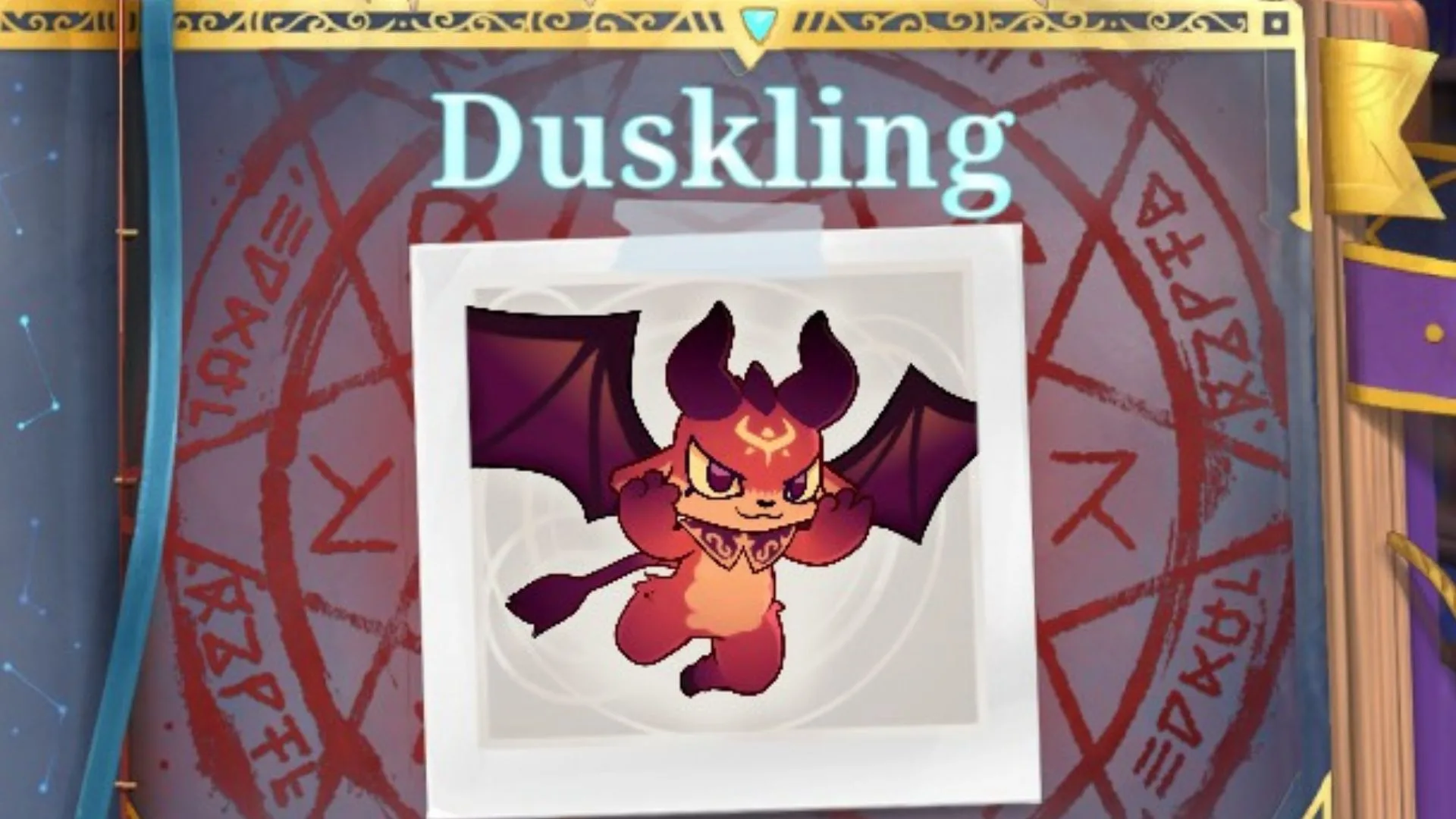
Duskling
Screenshot by Bonus Action
Spiritdex Hint
What It Means
My Spirit and I have been spending more time playing together…
In the Fireplace area of the Magical Library, set Activity to “Playing”
… after dark.
Set Lighting to Night
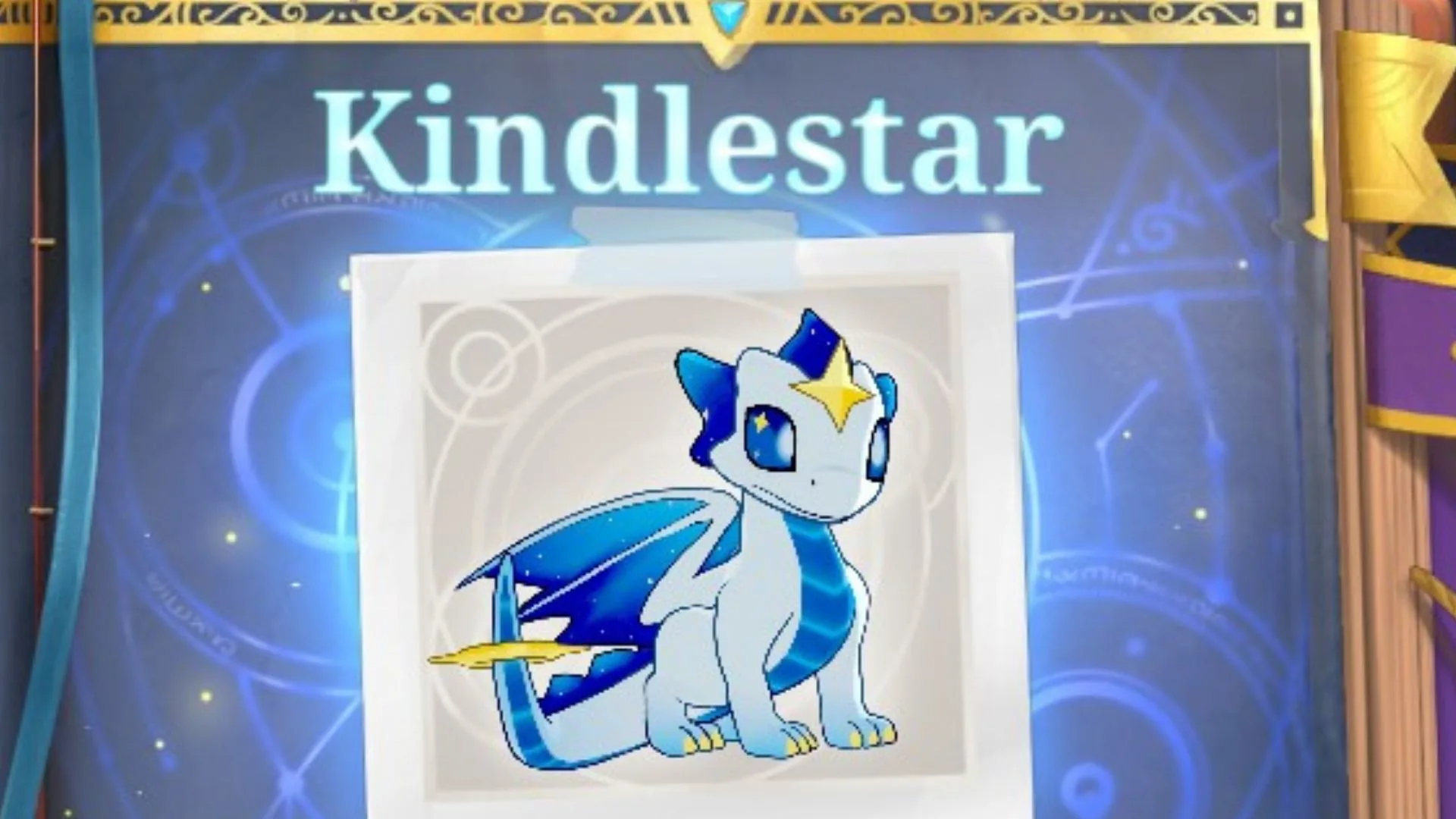
Kindlestar
Screenshot by Bonus Action
Spiritdex Hint
What It Means
There’s something calming about practicing with my wand…
In the Study area of the Magical Library, set Activity to “Spellcasting”
… while the nighttime creatures sing outside
Turn on “Night Forest” in the Sounds menu
I’ve noticed what looks like the same shooting star passing by my window each night
Set Lighting to Night
Looking for more Spirit City help? Check out our main guide hub for details on all other DLC and base game Spirits.
Still here? Good.
That means the article did its job! If you’d like to see more of them (and get first crack at what’s next) our Patreon’s the place.
Amanda Kay Oaks is a writer, book witch, and video game enthusiast based in Latrobe, PA. She writes about books, games, and more from an office packed with crystals and Pokemon plushies. When not engrossed in work or fictional worlds, Amanda can be found in the kitchen, on her yoga mat, or walking her dog, Azula.