
When it comes to big drawing tablets, the cost can quickly become difficult to manage. Because of this, artists need as many features for their investment as possible. The XPPen Artist Pro 24 (Gen2) 165Hz tablet lays features on top of a quality build for a combination of decadent drawing spaces and decked out optimizations.
XPPen strives to combine affordability with premium functionality, as we learned about during our interview with the team. This is why I was so excited when the 24 (Gen2) series was announced. To my delight, the features packed into the 165Hz model were even better than I could have hoped for, making use of my favorite elements of the Artist Pro 19 (Gen2) and Magic Drawing Pad, while upgrading the experience with the wicked-fast refresh rate and extended drawing space.
Key Features
- Designer: XPPen
- Operating System: PC/Apple
- Pen Pressure: 16k
- Screen Resolution: 2560 x 1440
- Size: 24″
- Where to Buy: XPPen Website
- Price: $1099.99
- Sample Provided for Review: Yes
A Full Art Suite In A Box
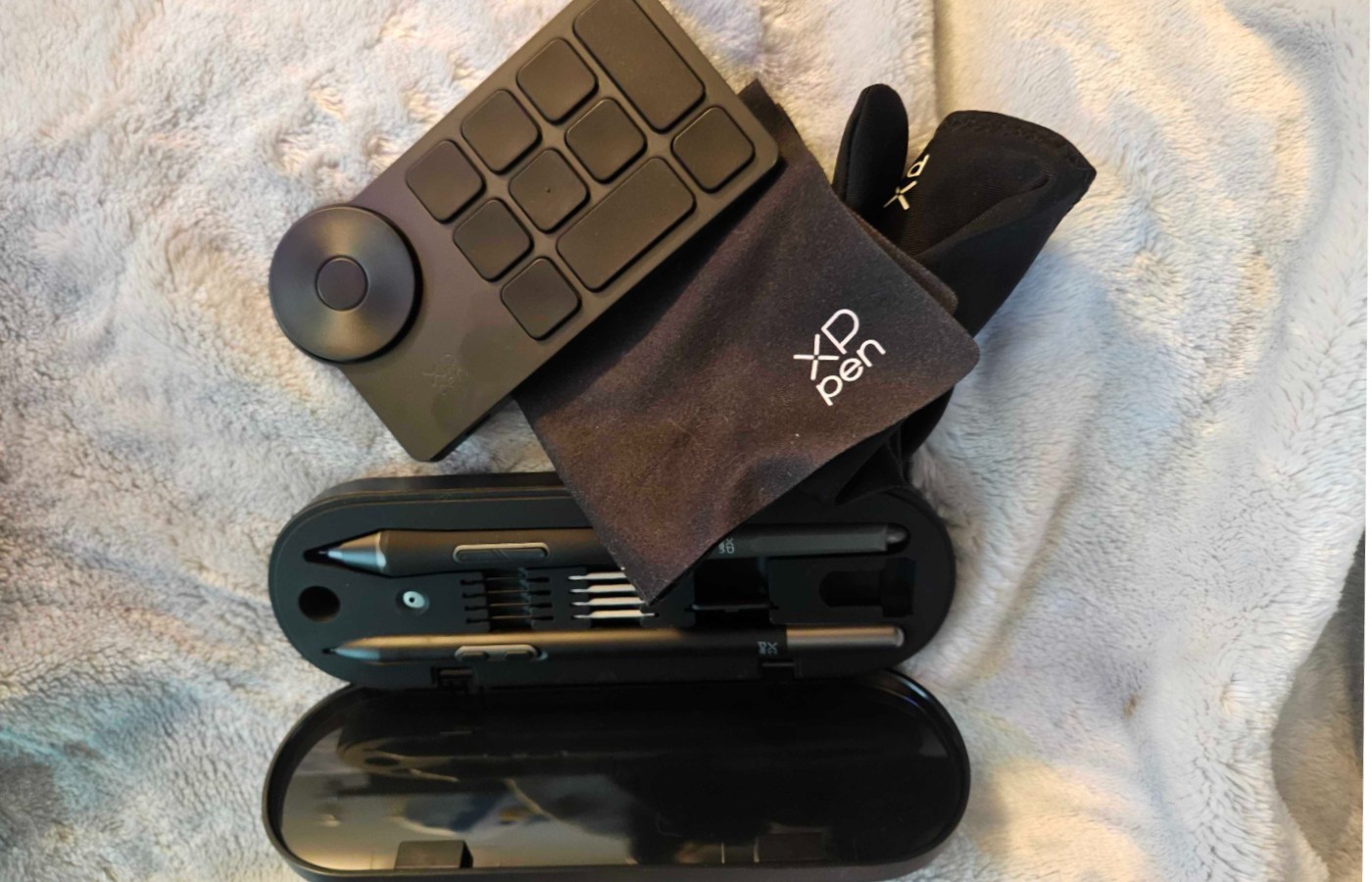
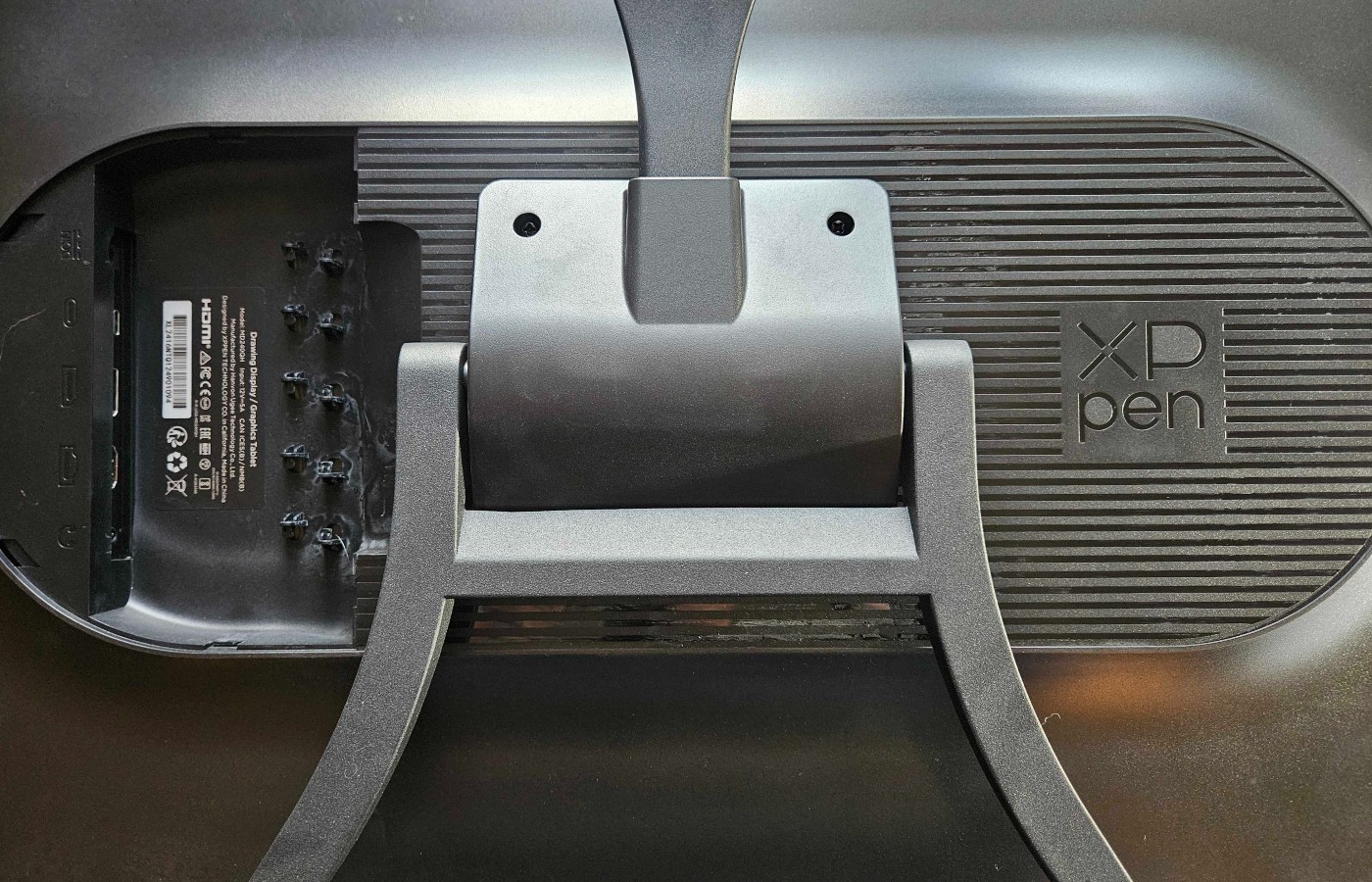
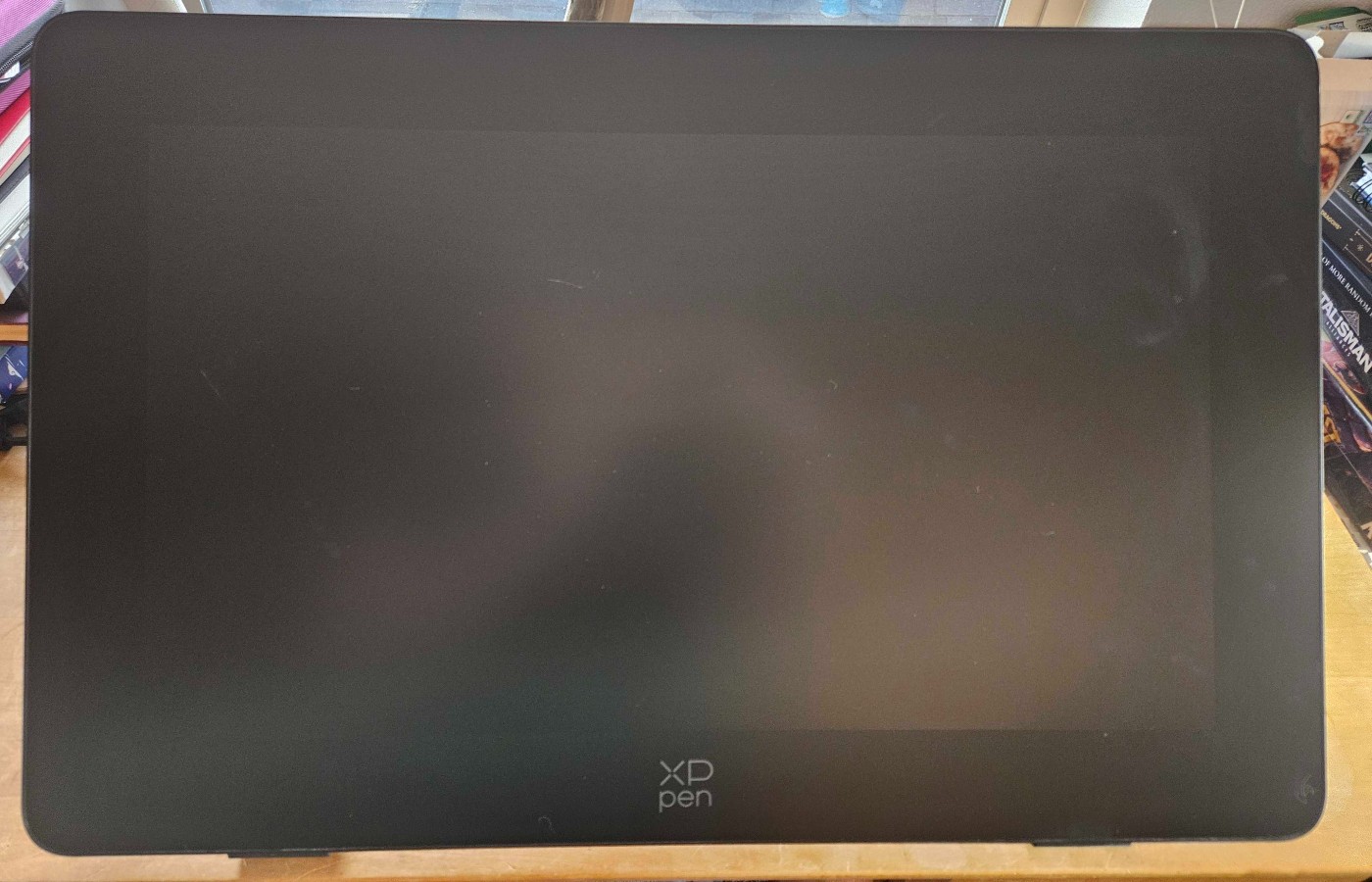
One of the things I appreciate the most about XPPen is the number of accessories that come with their Pro tablet models. Opening this sucker up is like unwrapping a full sweep of gifts on Christmas morning. The tablet comes with a drawing glove, premium microfiber screen cloth, a case containing two Pro Styli, dozens of new nibs for the Styli in different styles, and the Bluetooth remote control.
The Artist Pro 24 (Gen2) 165 Hz model also comes with something the 19″ lacks: a built-in stand. It has several main settings, one that is propped up almost vertical, and the other which reclines nicely for those who prefer a more relaxed angle.
Additionally, like the 19″, every Artist Pro 24 (Gen2) is Calman Verified, and comes with a certificate, guaranteeing its color performance. It is also compatible with the X-Color Master color calibrator to ensure the most accurate drawing experience possible.
Artists can choose between three color options, sRGB, Adobe RGB, and Display P3 for easy color matching, which I know I appreciate, as color presetting and tuning can be a pain.
Top Quality Styli & Anti-Glare Etched Glass Are Sublime

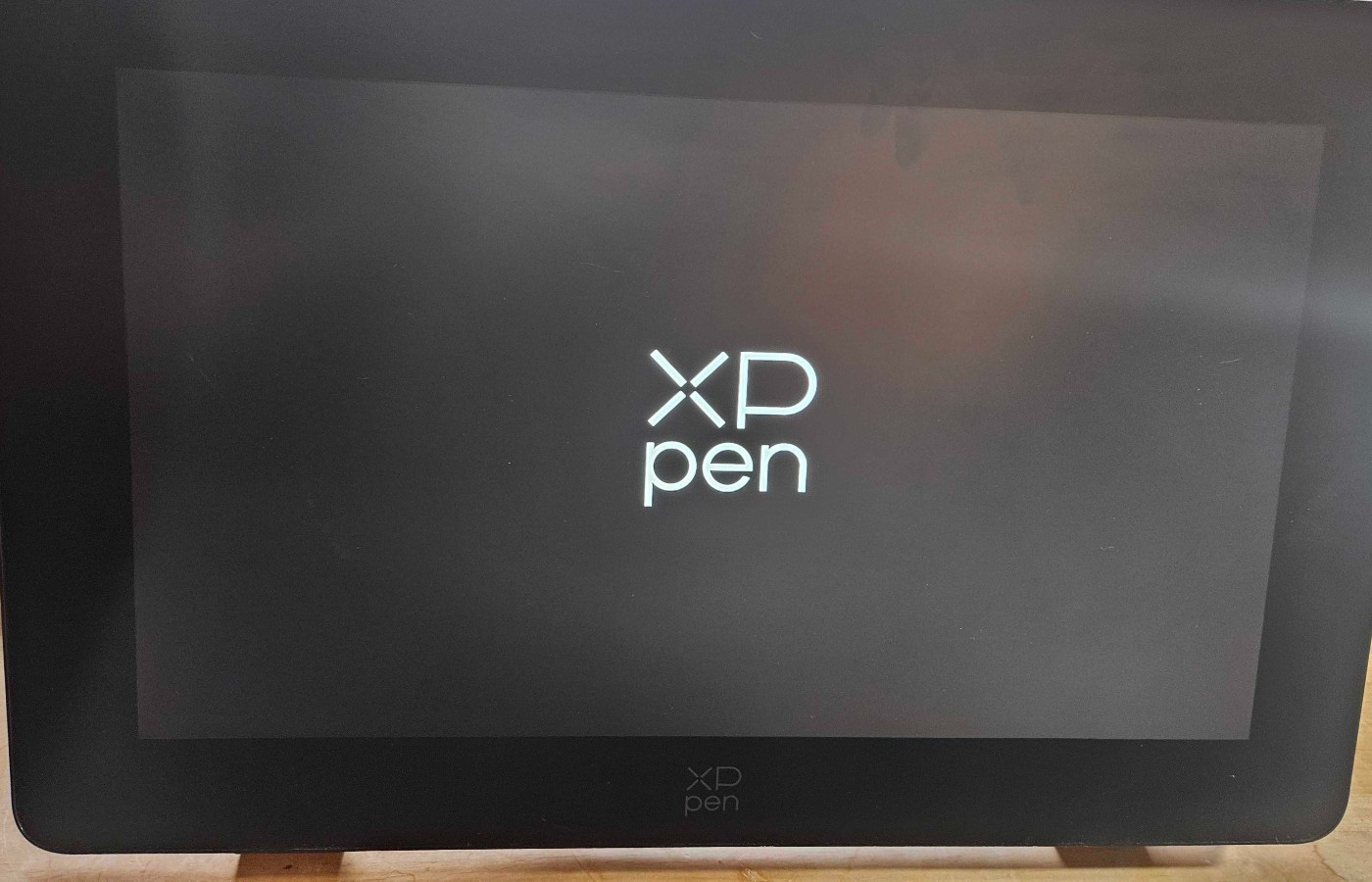
One of the defining features of the Artist Pro 24 (Gen2) 165Hz is it’s beautiful screen. The refresh rates and color saturation of the display are heightened by the etched, anti-glare screen that makes even a sunny office a friendly workspace.
I especially appreciate that the screen is anti-fingerprint. While I may be wearing my drawing glove, my toddler is not. However, even when he is touching the colors of a piece I am working on, his fingers don’t smudge up the screen.
I absolutely hate drawing on glossy, glass screens like iPads and older Wacom models. Because of this, the Artist Pro 24 (Gen2) is my perfect match. The tactile surface grips the nibs of the stylus in use for satisfying brush strokes, while the the full-laminate glass completely removes any disconnect between the pen and the stylus cursor.
For me, this is crucial. As a traditional artist who learned digital as a medium much later in my career, the stylus-to-screen gap can be a major hurdle. In all of the XPPen Pro models, this has been a problem, and the comfort and intuitive experience of drawing on the display is only made better by the Pro Smart Chip Styli.
The X3 Pro and X3 Pro Slim Styli offer 16k pressure levels, buttons that can be custom programmed for hotkeys, and a premium feel that just makes drawing with them a delight. These are the same options used with the Artist Pro 19 and Magic Drawing Pad, and just like with the previous tablets, these gorgeous styli are icing on an already decadent cake. I can’t get enough of them, and love swapping between the two depending on what I am working on in a piece.
24 Inches of Glorious, High-Resolution Space
While I would be lying if I said I didn’t miss the 4k of the Artist Pro 19, the Artist Pro 24 (Gen2) 165Hz’s refresh rate and brilliant display don’t disappoint. The full 24 inches make an enormous, personal difference. I have always struggled to work on small tablet screens, as someone who usually prefers large sketchbooks and canvas when creating traditionally.
I was shaken when I started drawing on the 24, and realized that the space completely altered how I worked in a perceived digital space. I actually had the room I needed, and the 165Hz refresh rate removed any trace of lag in my movements, creating what might be the most organic and natural sketching I’ve ever managed digitally.
Because of this, I am giving a unique recommendation of this tablet specifically for traditionally trained artists moving to a digital medium. While this is also a perfect fit for animators thanks to the fast refresh, it is invaluable for those who need the instant response of a line appearing on the space they are working in. For the very first time, I didn’t feel my brain smoking as I sketched out a piece. I actually felt like I was working in real-time, and it has really taught me that I can love digital workspaces as much as a sketchbook.
I want to thank XPPen personally for giving me that experience. It has been amazing to draw digitally and not want to start crying due to the discontent between myself and the piece trapped behind the glass of my monitor.
The Best 24″ Drawing Monitor on the Market
I do think, at this moment, this is the best 24″ drawing monitor on the market. At $1100 dollars, it is much cheaper than any Wacom of similar size, with accessories needed for drawing included in the price. It offers a premium workspace and color calibration that isn’t usually included in anything under a two thousand dollar bracket.
This is the monitor to invest in if you want a large workspace, all the extras to make it specifically fit your workflow, and a stunning display to make every project you sit down to sketch out shine.
Final Score – 10/10
This is a flawless piece of hardware, and a must-have for serious artists. Don’t waste money on a tablet half the size for twice the price. The XPPen Artist Pro 24 (Gen2) 165Hz has everything you need, and pushes the boundaries competitor brands aren’t currently trying to meet.
XPPen is really challenging what we should expect of our devices, and the experience you will have while working on this new series of 24 inch drawing tablets will bewitch and convert you from any other brand you’ve been using.
The XPPen Artist Pro 24 (Gen2) 165Hz is a must-have for serious artist, and if you are more interested in high-resolution color than refresh rates, there is a 4k option instead that comes with all the same excellent features. It’s wonderful, and every artist should have the chance to work on one.
**Bonus Action was provided a review sample of the XPPen Artist Pro 24 (Gen2) 165Hz for the purpose of this review**
About the Author

Discover more from Bonus Action
Subscribe to get the latest posts sent to your email.