Image via Epic Games
Every week, the online PC gaming store Epic Games offers one title to players for free. During that window, you can log in and claim the game for a grand total of $0.
As long as you grab the title during the free period, it’s yours to keep in your game library. But with a new free game available every week, a gamer’s hard drive can easily get overloaded. That’s where we come in. We’re breaking down what you need to know about the current free game in Epic Games to help you decide if it’s right for you.
Contents
Free Epic Games Download of the Week – Bear and Breakfast
Non-Sale Price: $19.99
From October 3 at 11 AM EST to October 10 at 11 AM EST, the free game in the Epic Games store is Bear and Breakfast.
This game puts a spin on the management genre. Sure, you’re in charge of running a Bed and Breakfast… but you’re also a bear!
You Should Try Bear and Breakfast If…
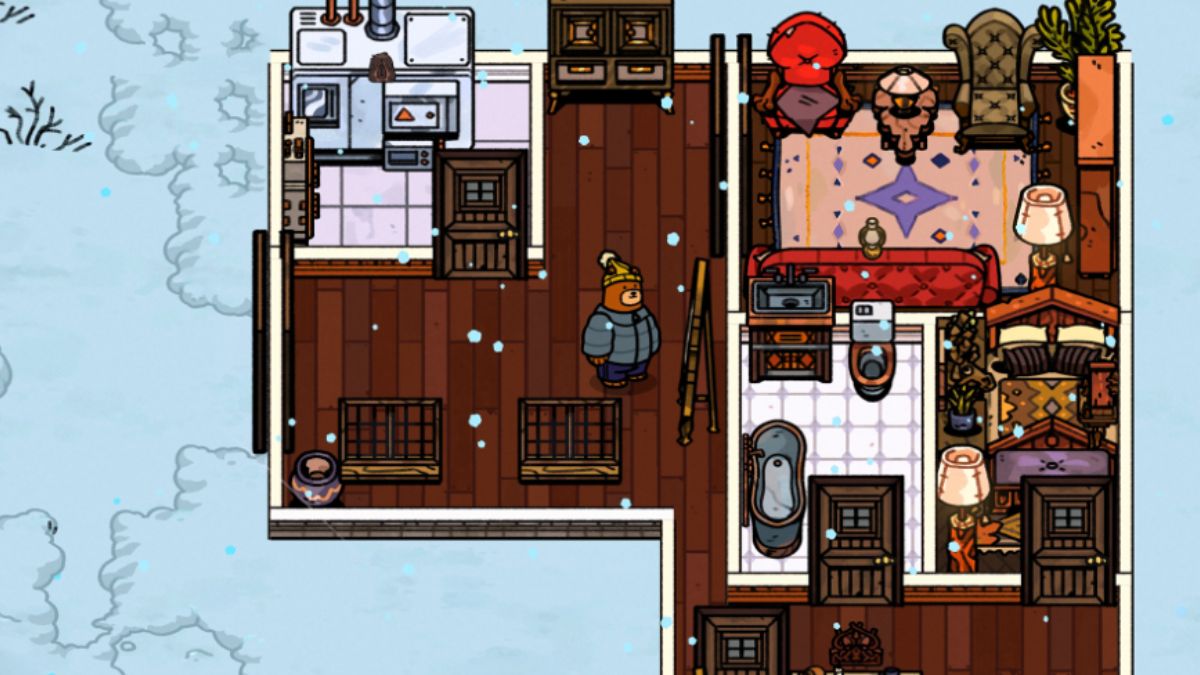
Bear and Breakfast is a beloved entry in the cozy gaming genre, and fans say it runs better on PC than it does on Switch. So, an Epic Games sale seems like the perfect time to grab it!
You play as an adorable bear who just wants to live their dream of running a popular inn. You will build up your inn, personalize the guest rooms and common areas, recruit guests, and complete quests along the way.
There’s also a foraging element, where you head out in the woods to find new items and friends to help you build up your bed and breakfast.
If you enjoy a good management game, Bear and Breakfast is likely to scratch that itch. However, it also has something for those of us who like a little story in our gaming experience.
The developers call this one “story-rich” so you’re not just running a business with little to no context. As you progress through the game, you’ll unlock new storylines as well as new items to decorate your inn.
This one has been on a few wishlists here at Bonus Action for a while, and the team is excited for a chance to circle back and finally give this cozy game a try.
How to Download Free Games from Epic Games
Convinced to give it a go? Downloading the free game of the week from Epic Games is pretty easy, but if it’s your first time, we’ve got you.
If you already have the Epic Games launcher installed, you can open it and claim the free game right from the app. Simply load up the app, head to the Store section, and scroll to the featured Free Games.
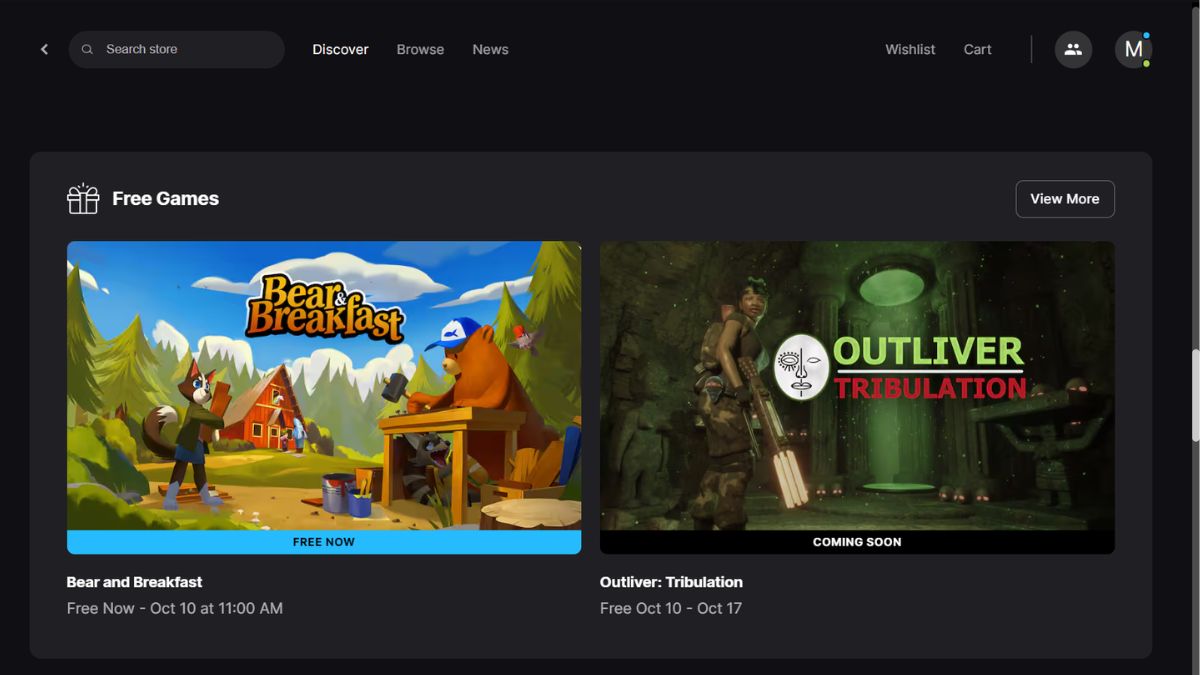
Then, click on the game with the Free Now banner. This will take you to the game’s sale page, where you can check out as you normally would when buying a game – but for free.
You can also search directly for the specific game if you already know which one is on sale this week. It will be marked for sale for $0 on its Epic Games store page.
Once you “buy” your free game, it gets added to your game library. You can download and launch the game from here.
If you’re new to Epic Games, start at the Epic Games website. If you don’t already have one, you’ll need to create an account. You can also sign in using accounts from many platforms like PlayStation, Nintendo, or Facebook if you want to link your Epic Games persona with one of these. Making an account is free.
Once you’ve made an account, you can browse the Store area and claim the free game of the week. You will need to install the Epic Games launcher to fully download and play your new game. You’ll be prompted to do so when you make your first “purchase.”
Looking for more cozy management games? Check out the release date news for Critter Cafe, which blends creature collecting and restaurant management.
About the Author

Discover more from Bonus Action
Subscribe to get the latest posts sent to your email.