Image via Steam/Team Cherry
The day is finally here, and Hollow Knight: Silksong has been released across multiple platforms. However, gamers looking to grab the game on Steam are having issues, as the gaming platform has buckled under the sheer number of players in the checkout line. Here is everything you need to know to navigate the Steam checkout error and how to get around it.
While grabbing Silksong on the Switch might seem like a good alternative while Steam sorts itself out, for many, PC is the more optimal choice for playing the side Scroller. Thankfully, there is another option for players.
What is The “Initializing or Updating Your Transaction Error” on Steam?
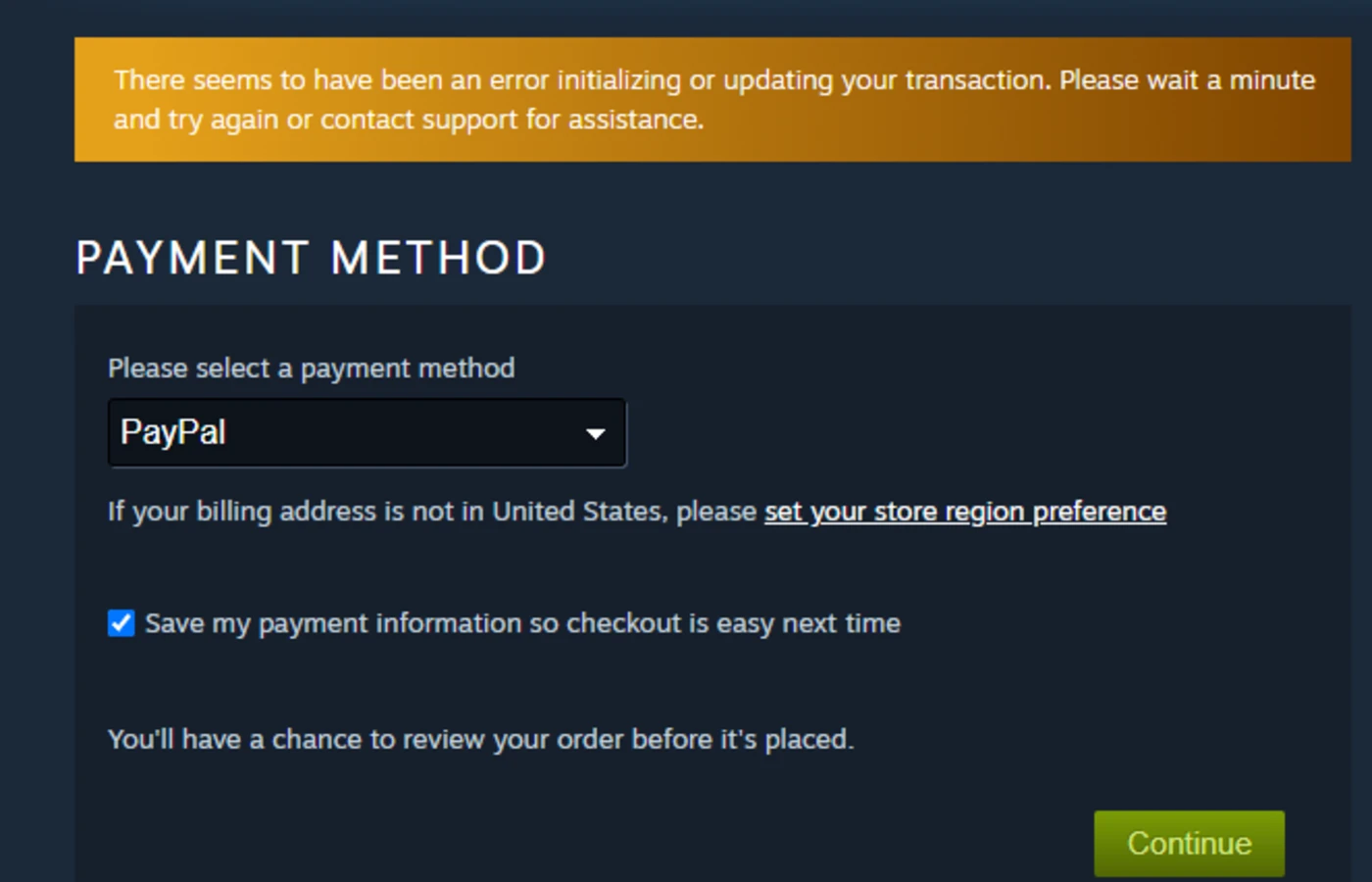
This error, which appears when players attempt to check out with Silksong in their cart on Steam, is caused by an overloaded server. In short, no amount of refreshing Steam, restarting the app, or even restarting your computer is going to fix the issue.
The only thing players can do is wait for the servers to recover from the overload, which could take hours and may not be consistent for every player. However, there is a workaround for PC players.
How To Play Hollow Knight: Silksong While Steam Is Down
To play Silksong while Steam is down, players can download it via Xbox Game Pass for PC. It can also be purchased for Game Pass for $19.99 with no server issues or lag.
While many players are likely eager to add Silksong to their Steam Library, this makes the Xbox Game Pass option the best choice, especially for those already subscribed. The game is available for free on day one with the subscription, allowing players to save their purchase for their Steam library once the platform is back up and working.
With so many exciting adventures awaiting players in Hollow Knight: Silksong, waiting to jump in isn’t an option. Hopefully, fans will be able to get started on Game Pass and then take their second playthrough to Steam after the checkout line calms down.
About the Author

Discover more from Bonus Action
Subscribe to get the latest posts sent to your email.